


Emailgistics for Retail
Every retail email owned and on time
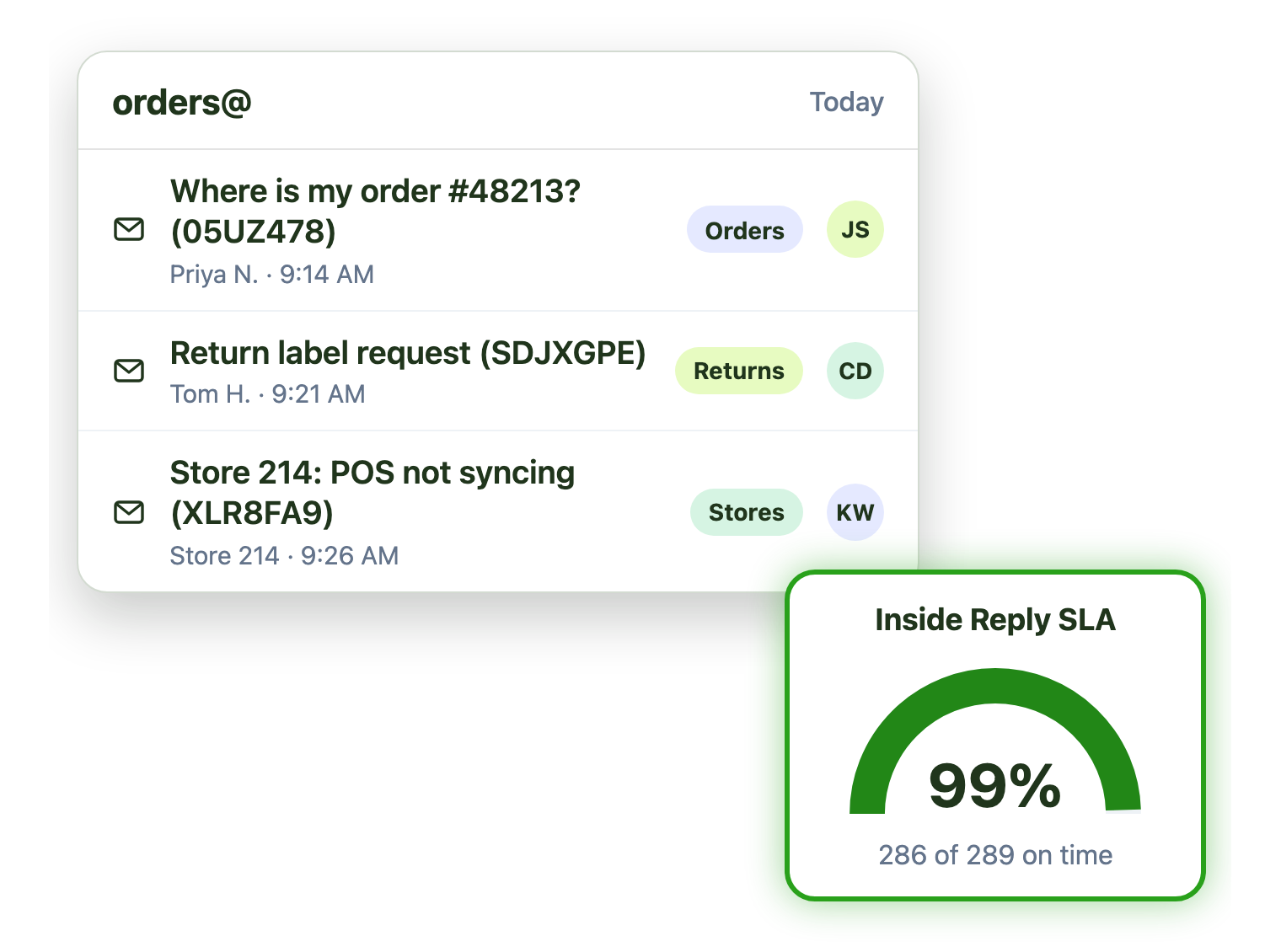
Orders, returns and store support all land in shared mailboxes. Emailgistics gives every email one owner, keeps up with peak season and tracks every SLA, inside the Outlook your team already uses.
-
10,000+
people use Emailgistics
-
400+
organizations rely on it
-
4.7/5
rating on G2
-
< 1 hour
to go live, no migration
How do retail teams manage shared mailboxes?
Orders, returns and store requests flood a few shared mailboxes, volume can jump from 100 to 800 a day, and seasonal staff need to help from day one. Emailgistics assigns and tags each email automatically, balances the load and tracks every reply against your targets. AI drafts replies from your own policies, all inside Outlook.
-
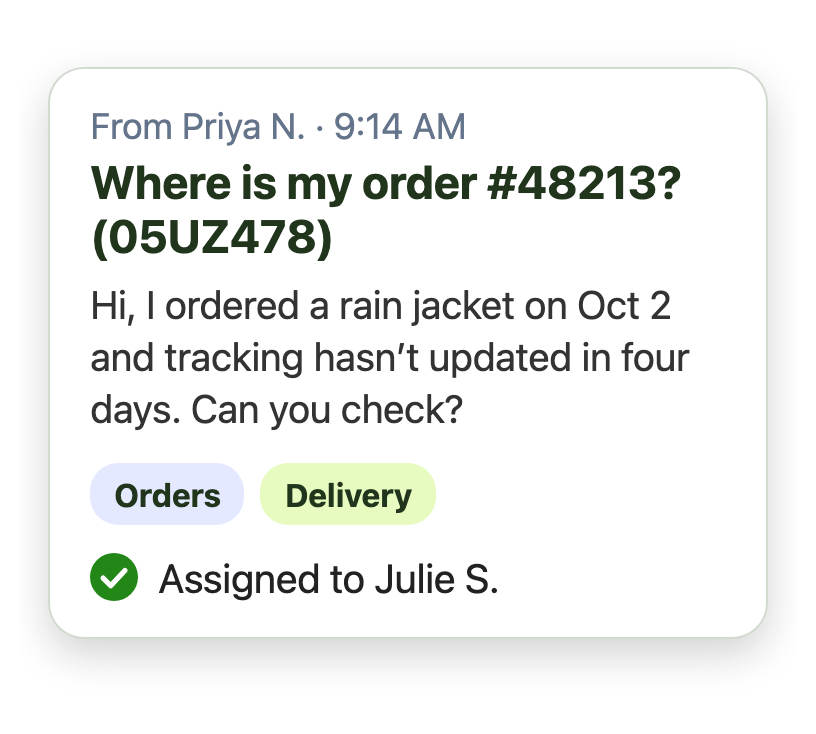
Customers
Order and return emails each get one owner
-
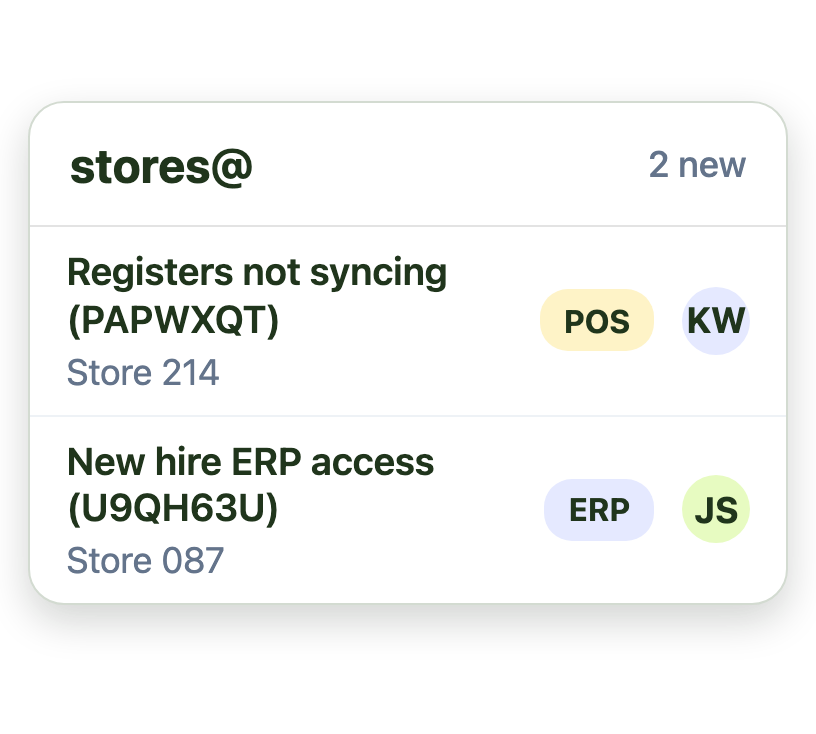
Stores
Store and dealer requests are tagged by topic
-
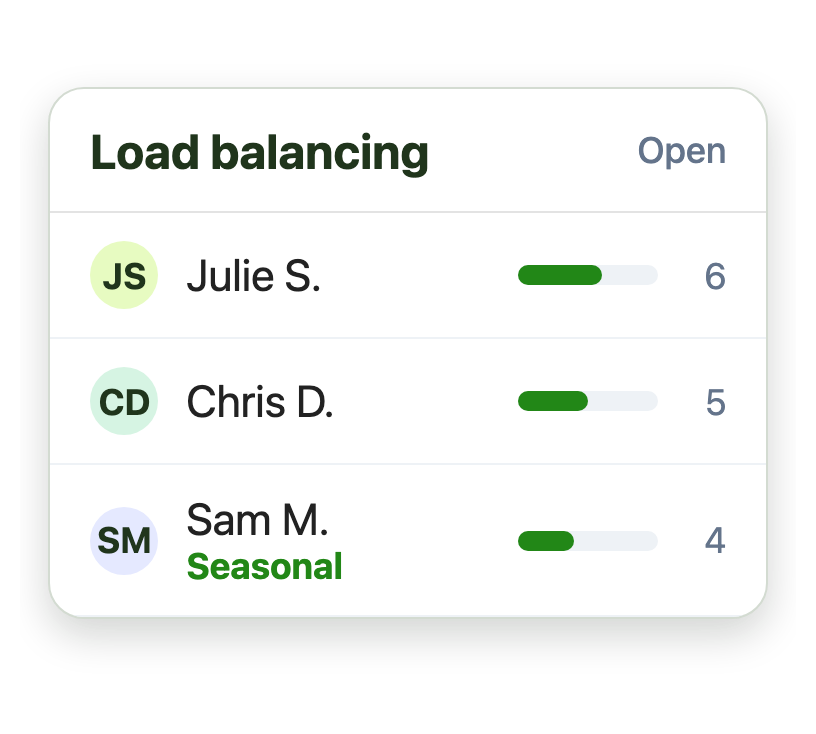
Peaks
Seasonal staff take a fair share from day one
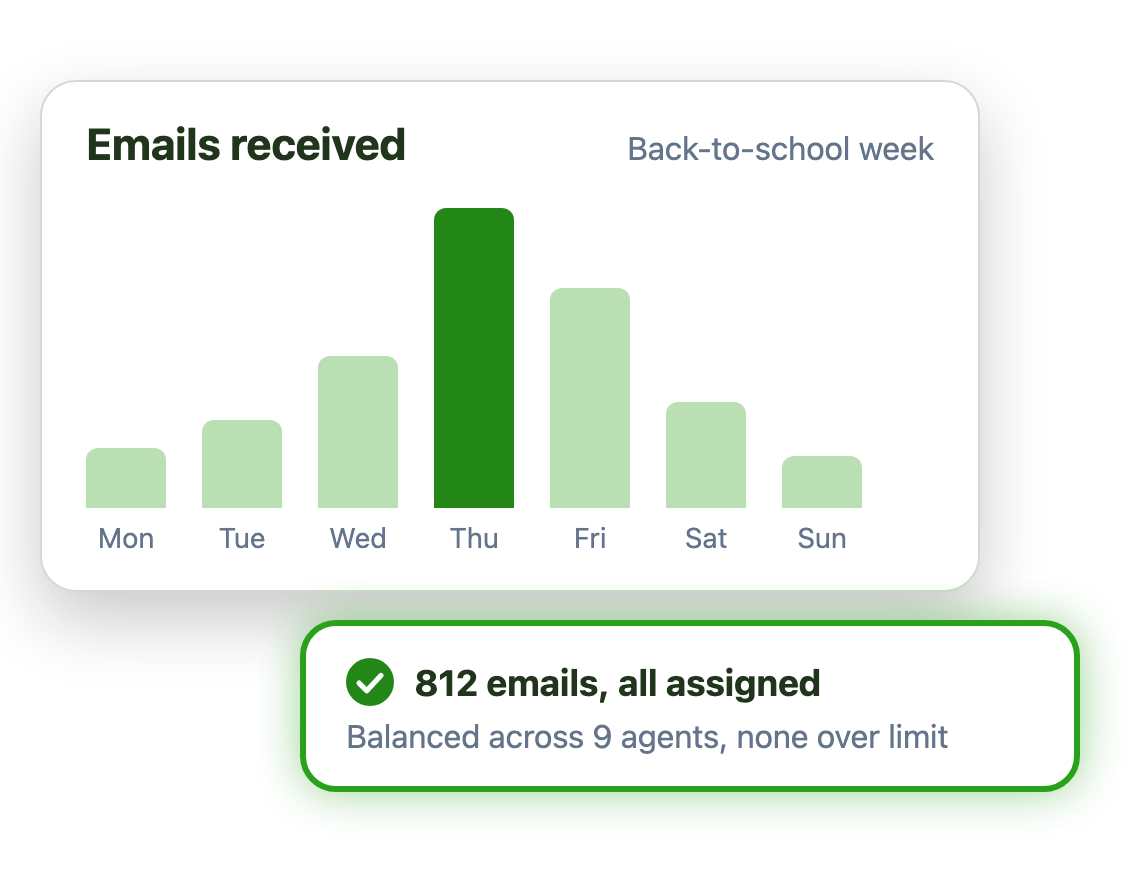
Keep up when volume jumps from 100 to 800 a day
Holidays, sales and back-to-school can multiply email overnight. Emailgistics keeps every new email moving:
- Round robin or load balancing spreads every new email
- Message limits stop anyone from being buried
- Temps already know Outlook, so training is quick
Give every customer the same, correct answer
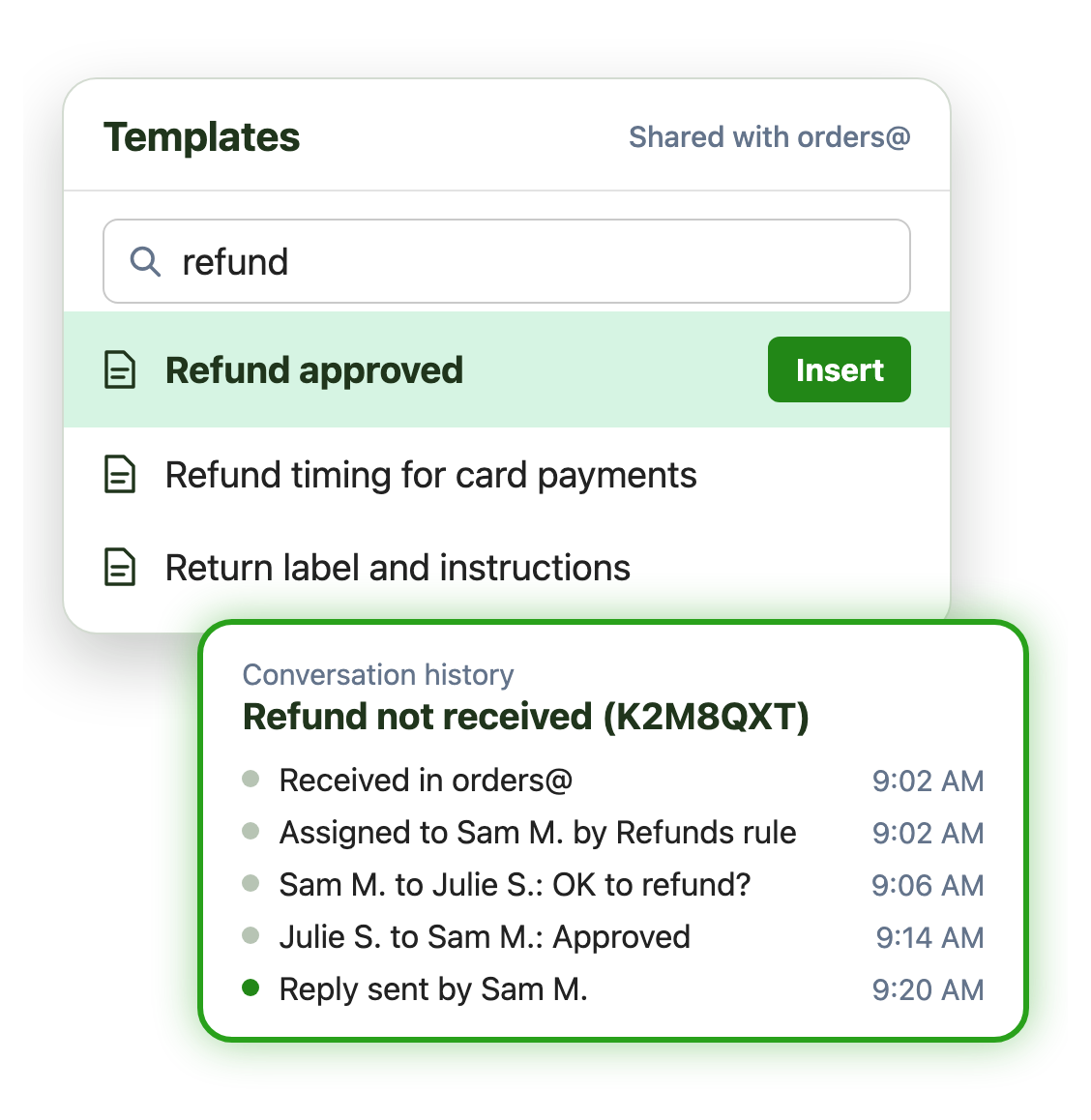
Returns, refunds and delivery questions repeat all day. Shared templates keep every agent on the approved wording, and conversation history shows what was done on each email, and when:
- Search and insert a template in the reply
- Update a template once and every agent has it
- Conversation history for any agent who picks up a thread
Support hundreds of stores from one shared inbox
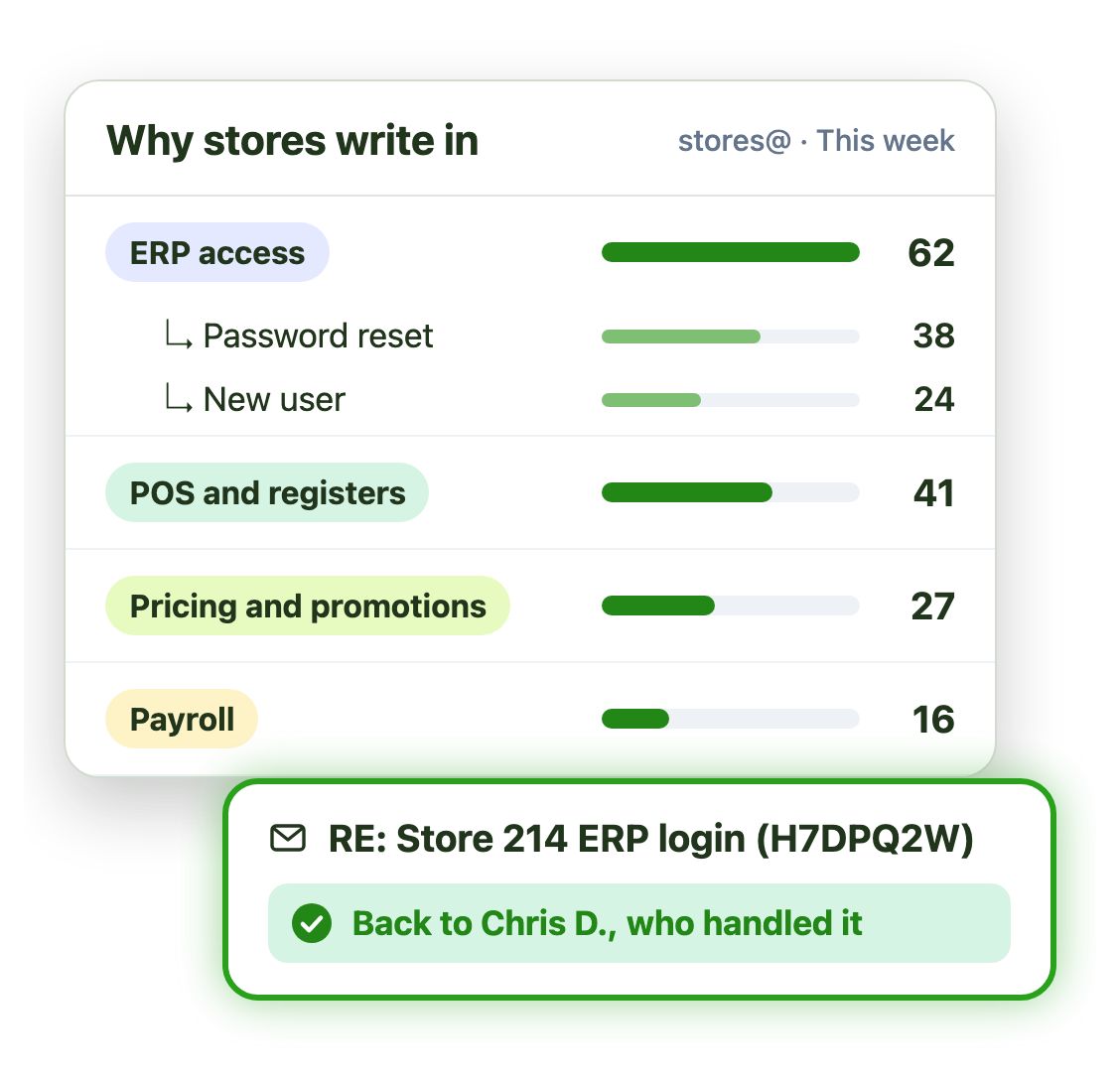
Store support teams use Emailgistics to answer hundreds of locations from one shared inbox:
- Tags and sub-tags by request type, such as ERP access
- Replies return to the person who handled the request
- Weekly reports on why stores write in, with drill-down
Live in under an hour, with no migration
- 1 Connect your mailboxes
- 2 IT grants consent
- 3 Deploy the Outlook add-in
Plans from $11 per user per month, billed annually. Try it free for 14 days, no credit card.
Retail teams that run on Emailgistics
Real results from retail customers, in their own words.
-

99%
of dealer emails answered within SLA, averaging about 3 hours
Read the case study“Our response time floats around the 3-hour mark, which is amazing and well-exceeds our 48-hour turnaround goals.”
-

800+
emails a day at peak, across Australia and New Zealand
Read the case study“It takes 2 minutes to update a template, and it updates for all the agents, so everyone’s always using the same updated version.”
-

6h
average close time, with 99% of emails closed within SLA
Read the case study“During onboarding, we showed our users the new features in Outlook. Most didn’t even realize it was a new tool at first.”
 Rated 4.7/5 on G2
Emailgistics vs. a shared mailbox alone or a help desk
A shared mailbox alone has no owners or targets. A help desk has both, but moves your team and every temp into a new app. Emailgistics adds them inside Outlook.
| Feature |  Inside Outlook | Outlook on its own | Help desk |
|---|---|---|---|
| Work stays in Outlook | Separate app | ||
| One owner per email | Anyone can reply | ||
| Load balancing for peaks | |||
| Shared reply templates | Personal only | ||
| SLA alerts and reports | |||
| Seasonal staff need no new tool | Training needed | ||
| Email stays in Microsoft 365 | Copied to another system |
Features retail teams use most
Everything your team needs to answer customers and stores quickly, at any volume.

Round robin and load balancing
Spread new email across the team, skipping anyone away or at their limit.

Schedules and time zones
Assign email only to people on shift, across stores, regions and countries.

Shared templates
Approved replies for orders, returns and refunds, updated once for everyone.

Automatic tagging
Tag email by order, return or store request as it arrives, for assignment and reports.

SLA alerts and dashboards
Alert managers when email waits too long, and track compliance in real time.

AI summaries and replies
Draft replies from your own AI knowledge base of policies and FAQs.
Most retail teams answer customers and stores from a few Outlook shared mailboxes. Emailgistics turns those mailboxes into a shared inbox where every email has one owner, a tag and a response time target, without leaving Outlook.
Round robin or load balancing assigns every new email as it arrives, skipping anyone who is away or at their Max Messages limit. Specsavers handles 100 to over 800 emails a day this way.
Yes. Emailgistics works inside Outlook, so temps use the email client they already know. School Outfitters brings in temporary staff for back-to-school, and most users did not realize Emailgistics was a new tool.
Shared templates give every agent the same approved replies, and an update reaches everyone at once. Specsavers uses more than 30 templates across Australia and New Zealand.
Yes. Canadian Tire’s store operations team supports more than 570 dealers with Emailgistics, using tags by request type and weekly reports, and answers within SLA 99% of the time.
Not for email. A help desk moves email into a separate app and turns it into tickets. Emailgistics adds assignment, templates, SLAs and reporting to the shared mailboxes your team already uses in Outlook.
Yes. Emailgistics is SOC 2 Type II certified and HIPAA and GDPR compliant. It works on the shared mailboxes in your Microsoft 365 tenant, so email stays in Exchange Online, and access is limited to the mailboxes you onboard.
Most teams are live in under an hour, with no migration. Book a demo, then try Emailgistics free for 14 days on your own shared mailboxes. No credit card required.
Last updated