


Emailgistics for Education & Non-profit
Answer every inquiry on time
Volunteers, donors, families and students write to your shared mailboxes. Emailgistics gives every email one owner, sorts it by tags, and flags anything waiting too long, inside Outlook.
-
10,000+
people use Emailgistics
-
400+
organizations rely on it
-
4.7/5
rating on G2
-
< 1 hour
to go live, no migration
How do schools and non-profits manage shared mailboxes?
Small teams, part-time staff and volunteers share one inbox, so emails get missed or answered twice, and replies slow down in busy seasons. Emailgistics assigns each email automatically, alerts you when anything waits too long and reports on volume by hour. AI drafts replies from your own policies, and everything stays inside Microsoft 365.
-
Requests
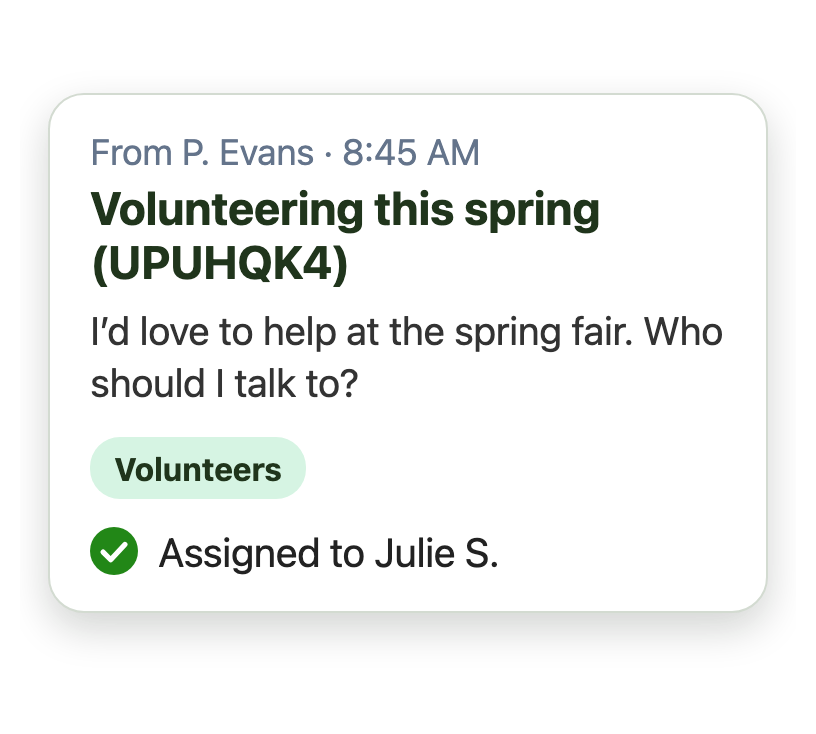
Every request reaches one person who owns it
-
Sorting
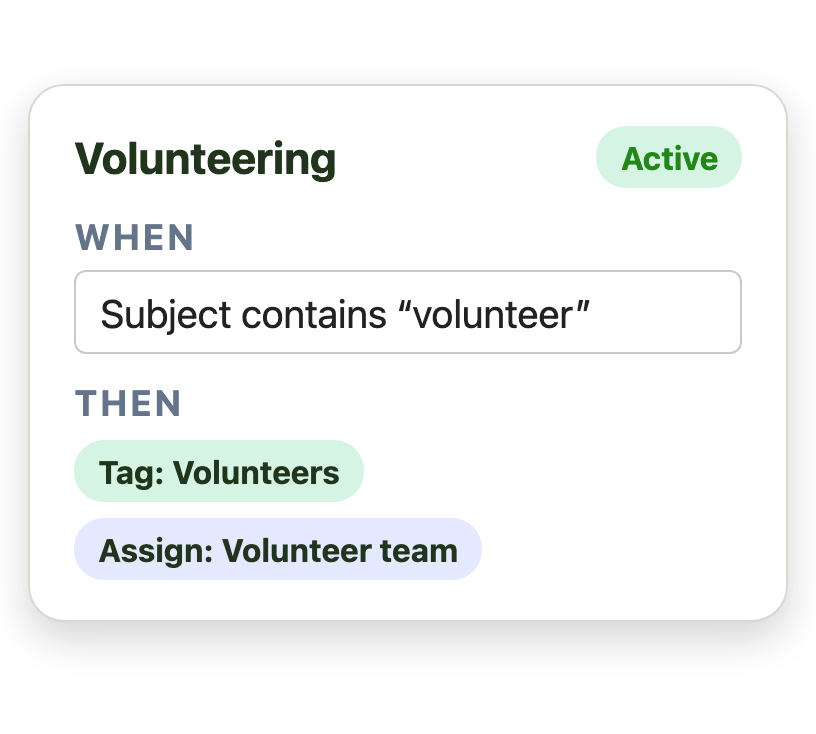
Every email is tagged automatically on arrival
-
Handover
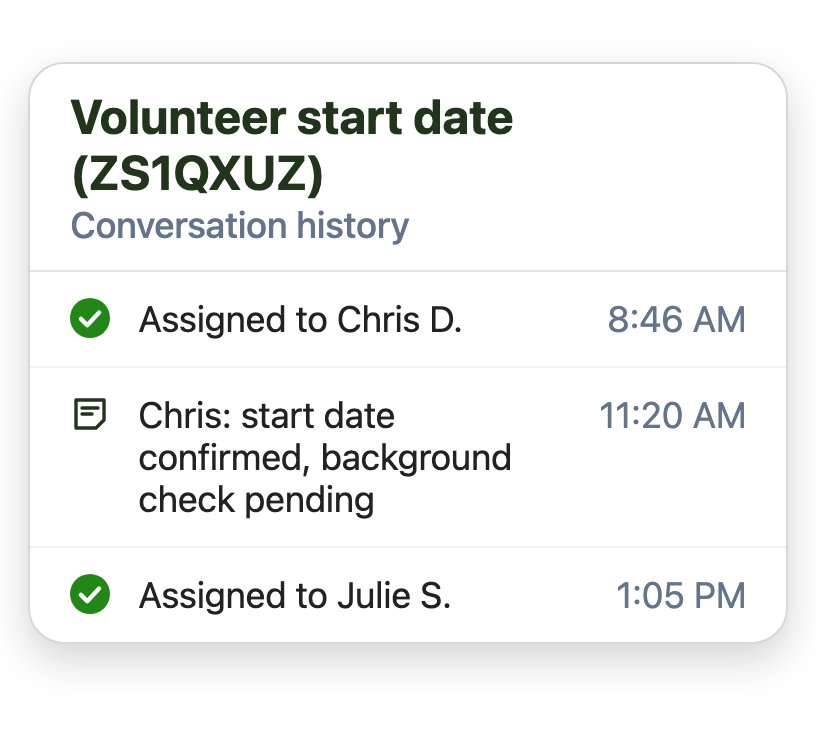
Anyone can pick up where a colleague left off
Answer the same questions in a fraction of the time
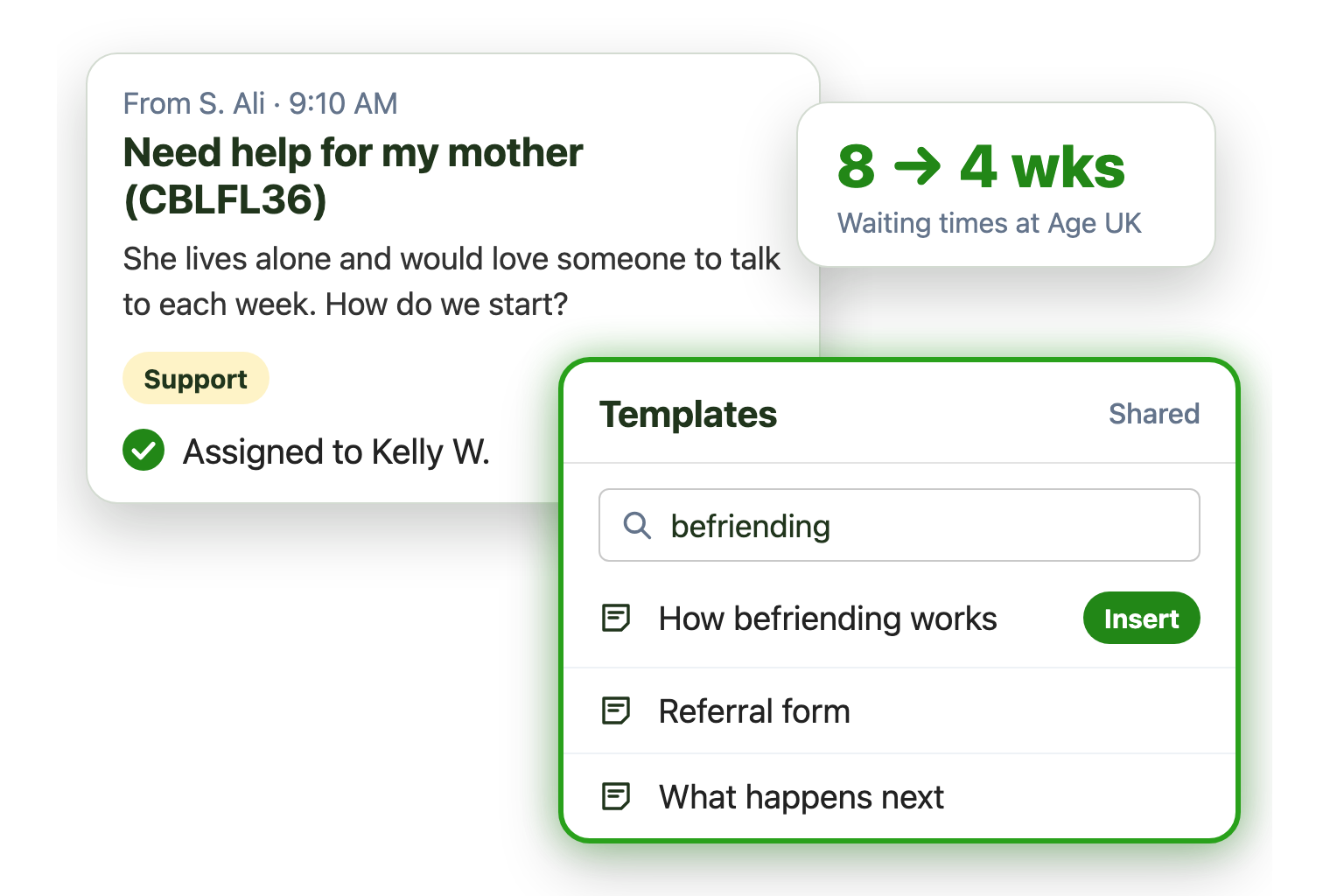
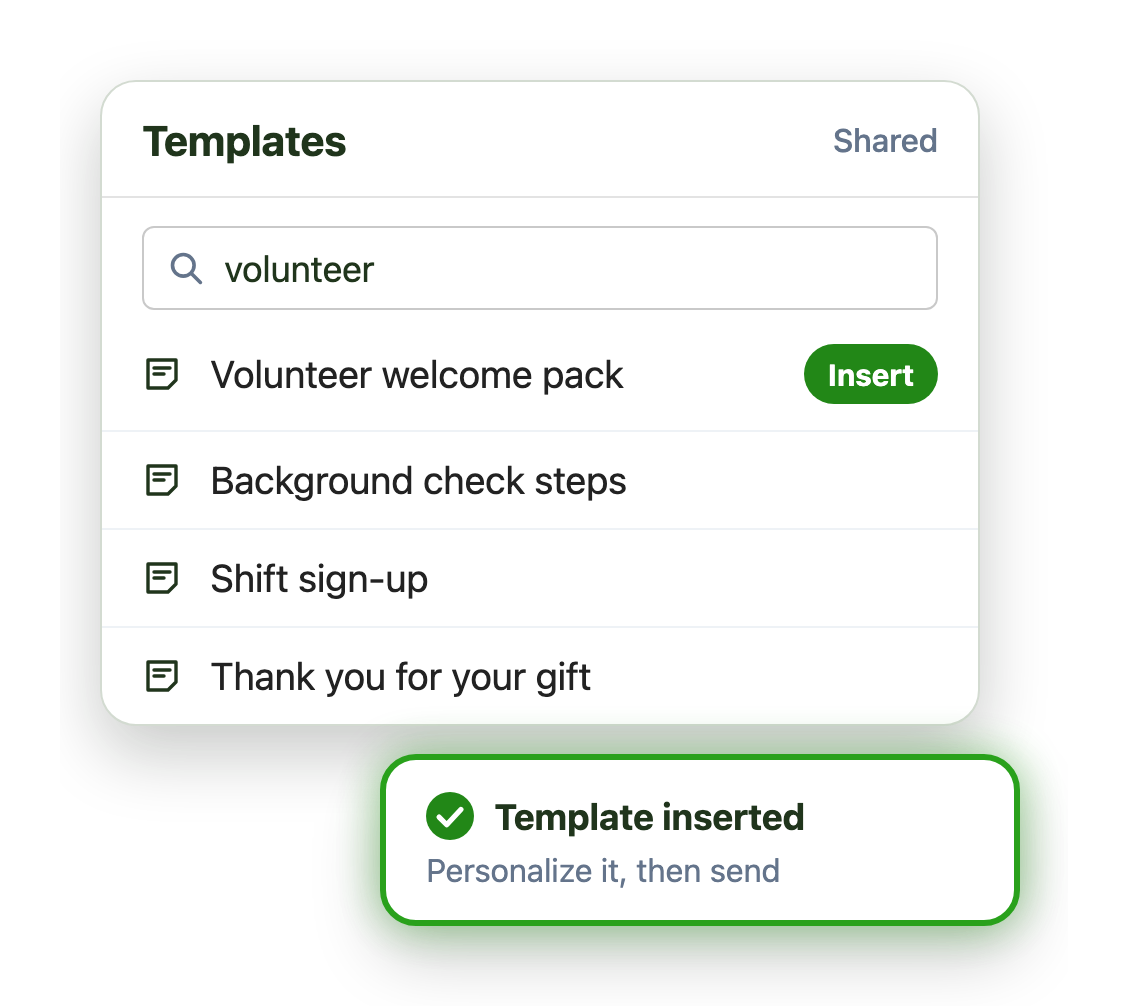
Volunteers, donors and families ask many of the same things. Shared templates answer them in a fraction of the time:
- Search and insert an approved reply
- AI drafts replies from your own FAQs and policies
- Update it once and everyone has it
Make sure no inquiry waits too long
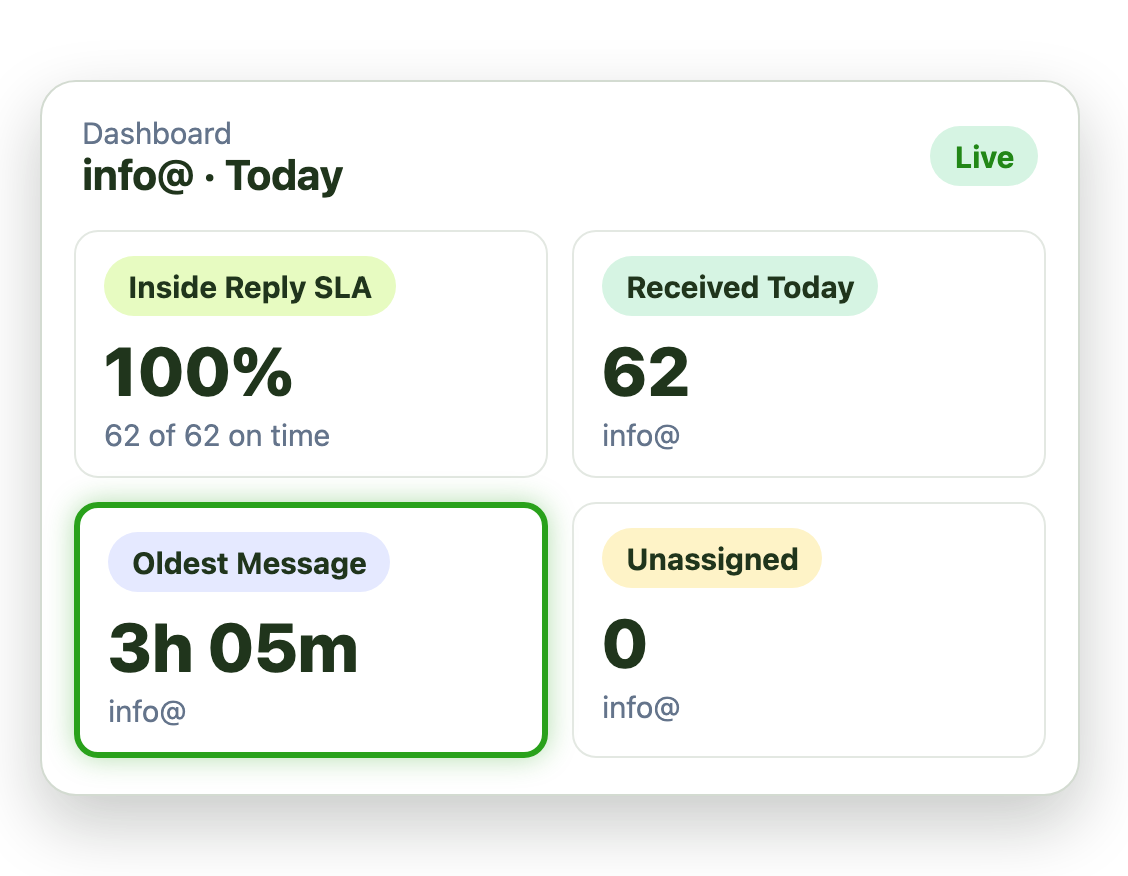
Set response time targets for each mailbox, with tighter ones for tags like Admissions or Urgent:
- Alerts when an email goes unanswered too long
- Email volume by day and hour, to plan who works when
- A live dashboard of SLAs and team workload
Make a small team go further
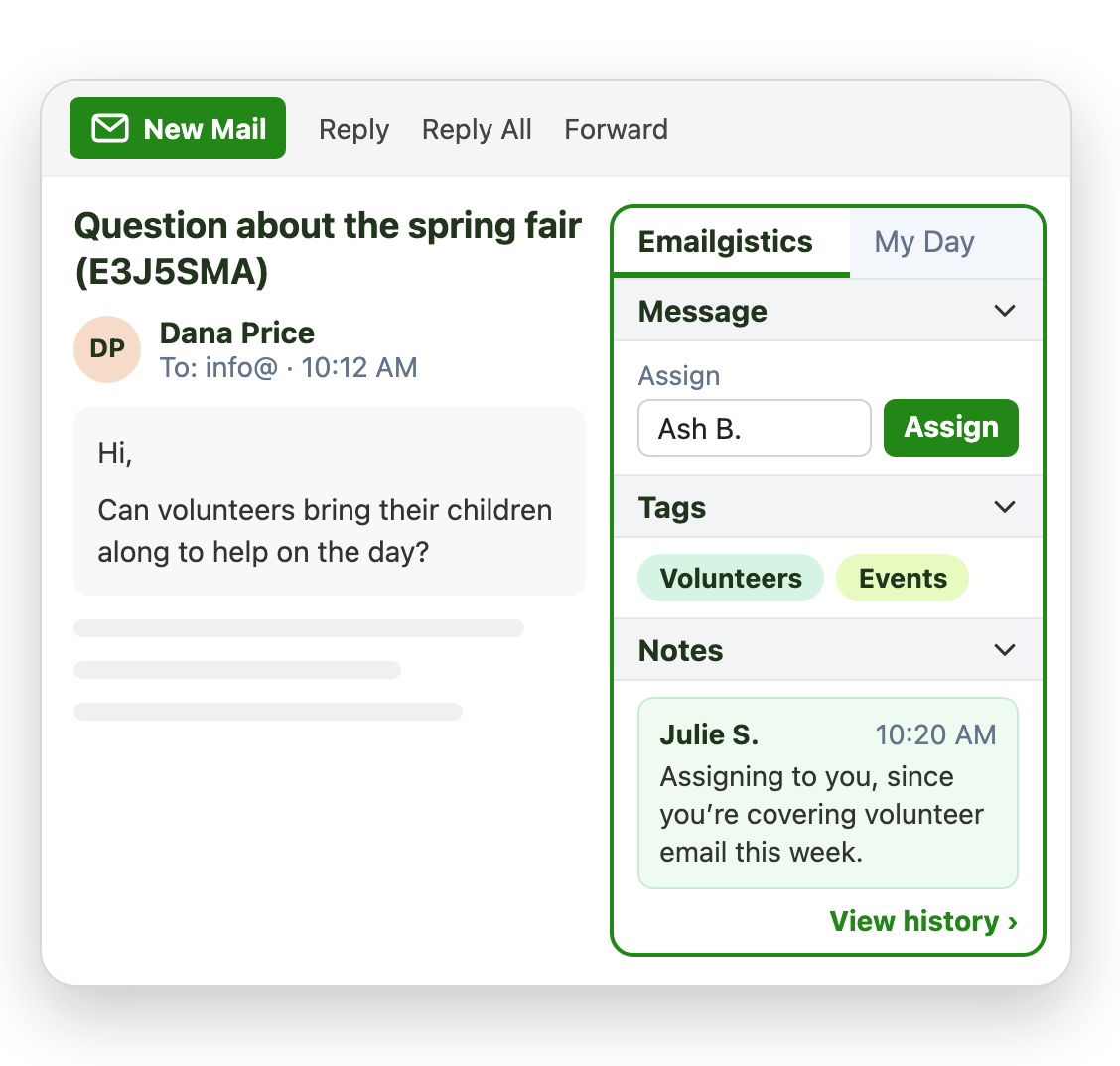
Part-time staff and volunteers share the inbox without stepping on each other:
- Email goes only to people who are available
- Message limits keep anyone from being buried
- One owner per email, so no one replies twice
Live in under an hour, with no migration
- 1 Connect your mailboxes
- 2 IT grants consent
- 3 Deploy the Outlook add-in
Plans from $11 per user per month, billed annually. Try it free for 14 days, no credit card.
Teams that run on Emailgistics
Real results from Emailgistics customers, in their own words.
-

50%+
of incoming emails answered with shared templates
Read the case study“If I can respond to them an hour quicker, that’s brilliant. It can be the difference between an older person having or not having a friendship.”
-

99%
of dealer emails answered within SLA, averaging about 3 hours
Read the case study“Our response time floats around the 3-hour mark, which is amazing and well-exceeds our 48-hour turnaround goals.”
-

64%
faster first replies in 13 weeks, from 13 hours to under 5
Read the case study“I like the auto routing because it takes away that decision fatigue … It just puts it in your mailbox.”
 Rated 4.7/5 on G2
Emailgistics vs. a shared mailbox alone or a distribution list
A shared mailbox alone leaves everyone guessing who replies. A distribution list sends every email to everyone. Emailgistics gives each email one owner.
| Feature |  Inside Outlook | Outlook on its own | Distribution list |
|---|---|---|---|
| One owner per email | Anyone can reply | Everyone gets a copy | |
| Shared reply templates | Personal only | Personal only | |
| Alerts when email waits too long | |||
| History of who did what, and when | |||
| Volume and response reports | |||
| Works in Outlook |
Features schools and non-profits use most
Everything a small team needs to answer every inquiry on time.

Automatic tagging
Tag email by program, campus or request type as it arrives.

Shared templates
Approved replies for volunteers, donors, families and enrolments.

SLAs by mailbox or tag
Hold urgent email to tighter targets, with an alert when one is missed.

Availability and limits
Email goes only to available people, up to each person’s Max Messages limit.

Conversation history
See what was done on each email, and when, so anyone can pick it up.

AI summaries and replies
Draft replies from your own AI knowledge base of policies and FAQs.
Most run an info@ or support@ shared mailbox in Outlook, staffed by a small team, part-timers or volunteers. Emailgistics gives every email one owner, sorts it by tags and alerts you when anything waits too long, without leaving Outlook.
Age UK’s friendship services team now answers well over half its incoming email with help from shared templates, and has met its SLAs since adopting Emailgistics.
Yes. Email only goes to people who are available, and message limits keep anyone from being buried. Everyone works in the Outlook they already know.
Shortly after a shift ends, any email still in that person’s folder goes back to the shared mailbox’s inbox, so the next available colleague picks it up. Conversation history shows what was done on it, and when, so they can carry on without asking.
Yes. Reports show email volume by day and hour and how fast it is answered, so you can plan who works when.
A distribution list sends every email to everyone, so either several people reply or nobody does. Emailgistics gives each email one owner and tracks it to a reply.
Yes. Emailgistics is SOC 2 Type II certified and HIPAA and GDPR compliant. It works on the shared mailboxes in your Microsoft 365 tenant, so email stays in Exchange Online, and access is limited to the mailboxes you onboard.
Most teams are live in under an hour, with no migration. Book a demo, then try Emailgistics free for 14 days on your own shared mailboxes. No credit card required.
Last updated