


Release Notes
July 2026
Features
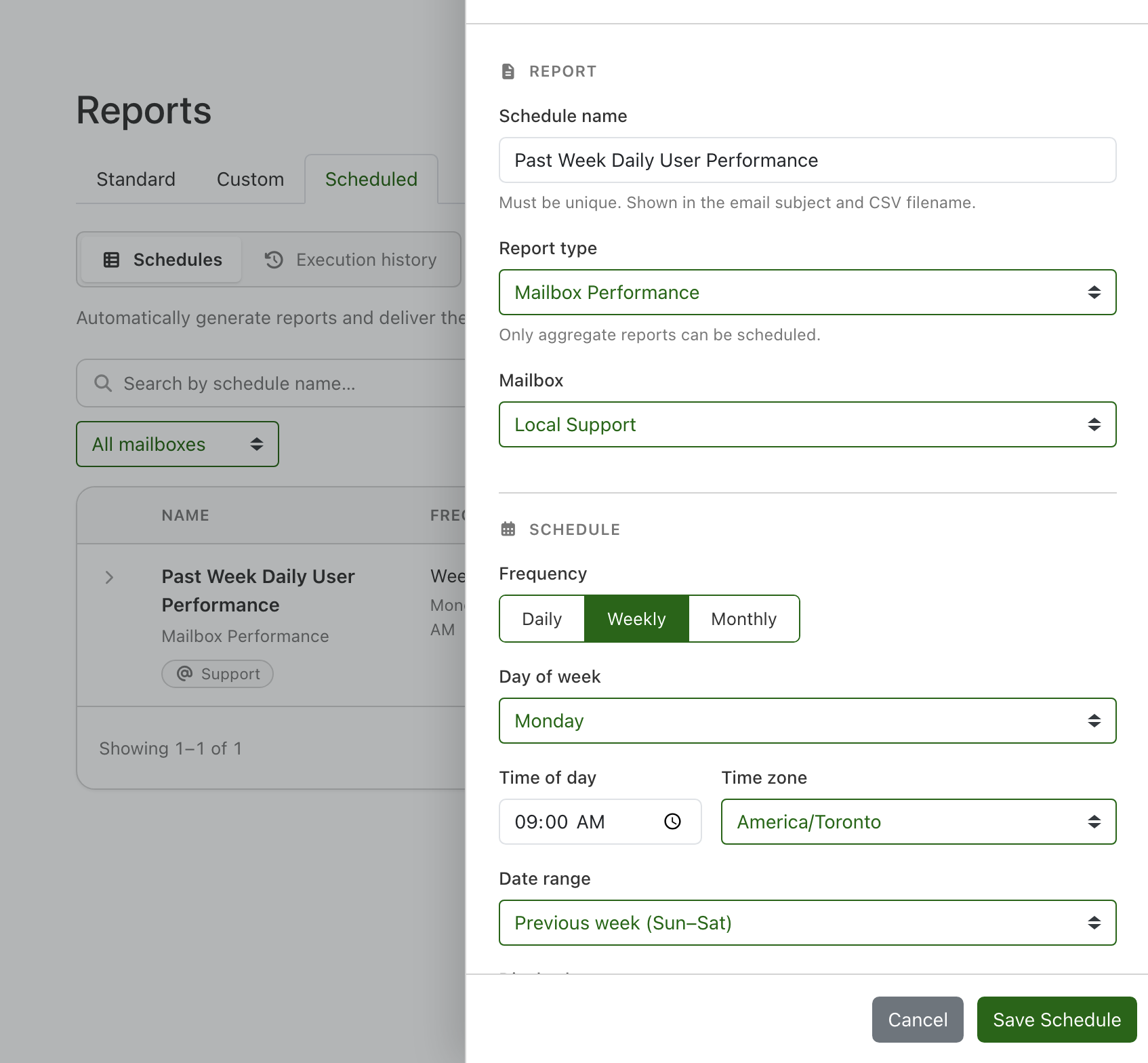
- Pro Scheduled reports. Create a schedule for any aggregate report — Mailbox, User, Bucketed, Domain, or Tag Performance — to run automatically and deliver results by email as a CSV attachment, daily, weekly, or monthly. A new Scheduled tab lists your schedules, lets you run one on demand, and keeps 90 days of execution history.
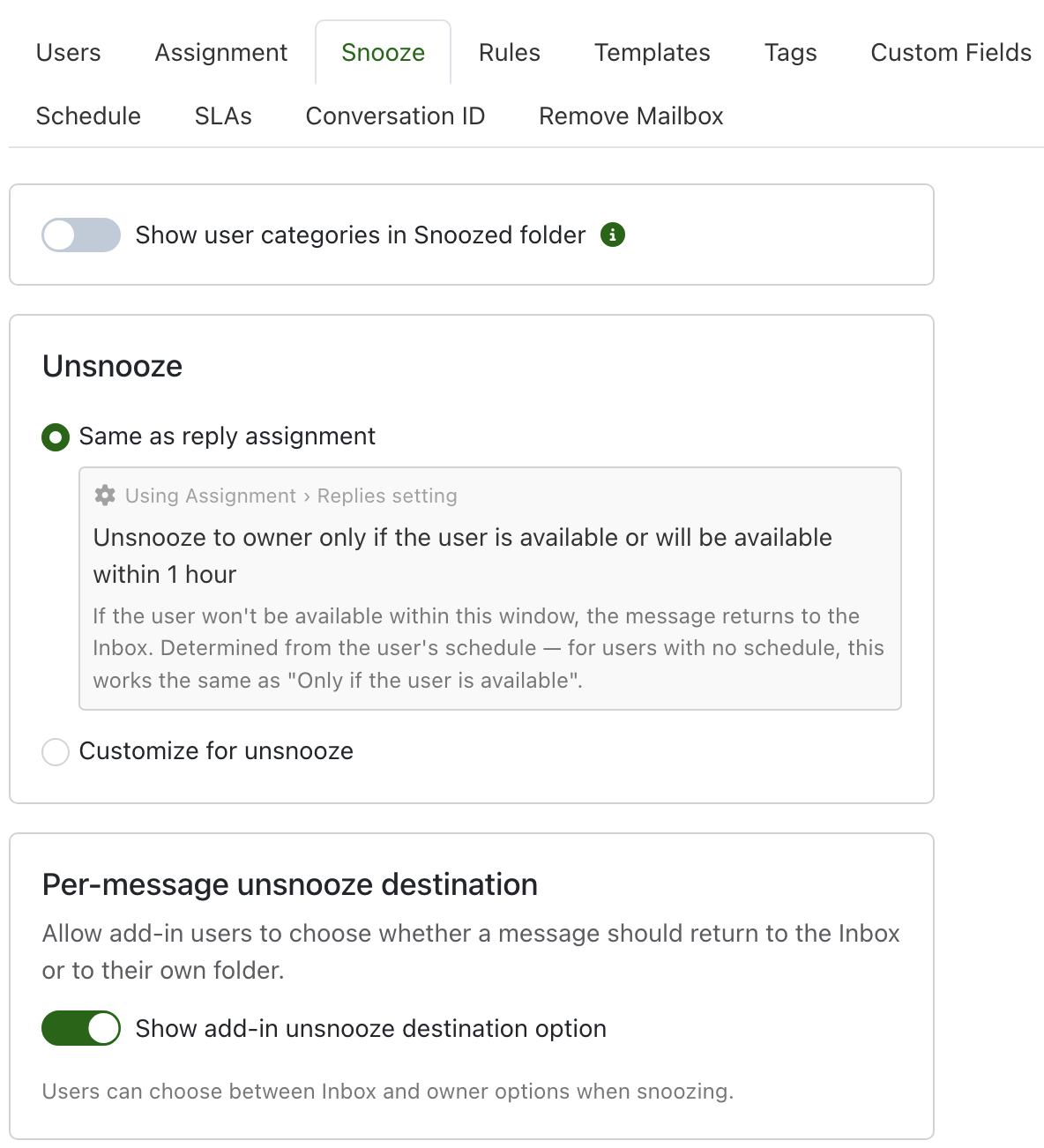
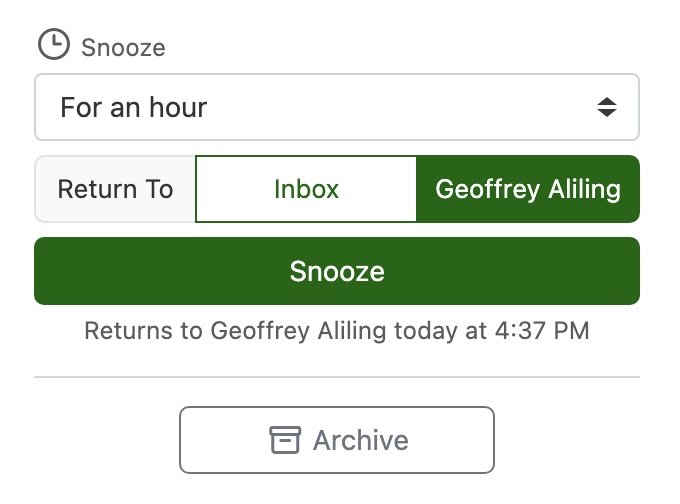
- Pro Flexible unsnooze destination. Choose whether unsnoozed messages return to the owner's folder or the Inbox by default — or inherit your reply assignment behavior — with availability options controlling what happens when the owner is away. Optionally let users pick a destination per message from the add-in.
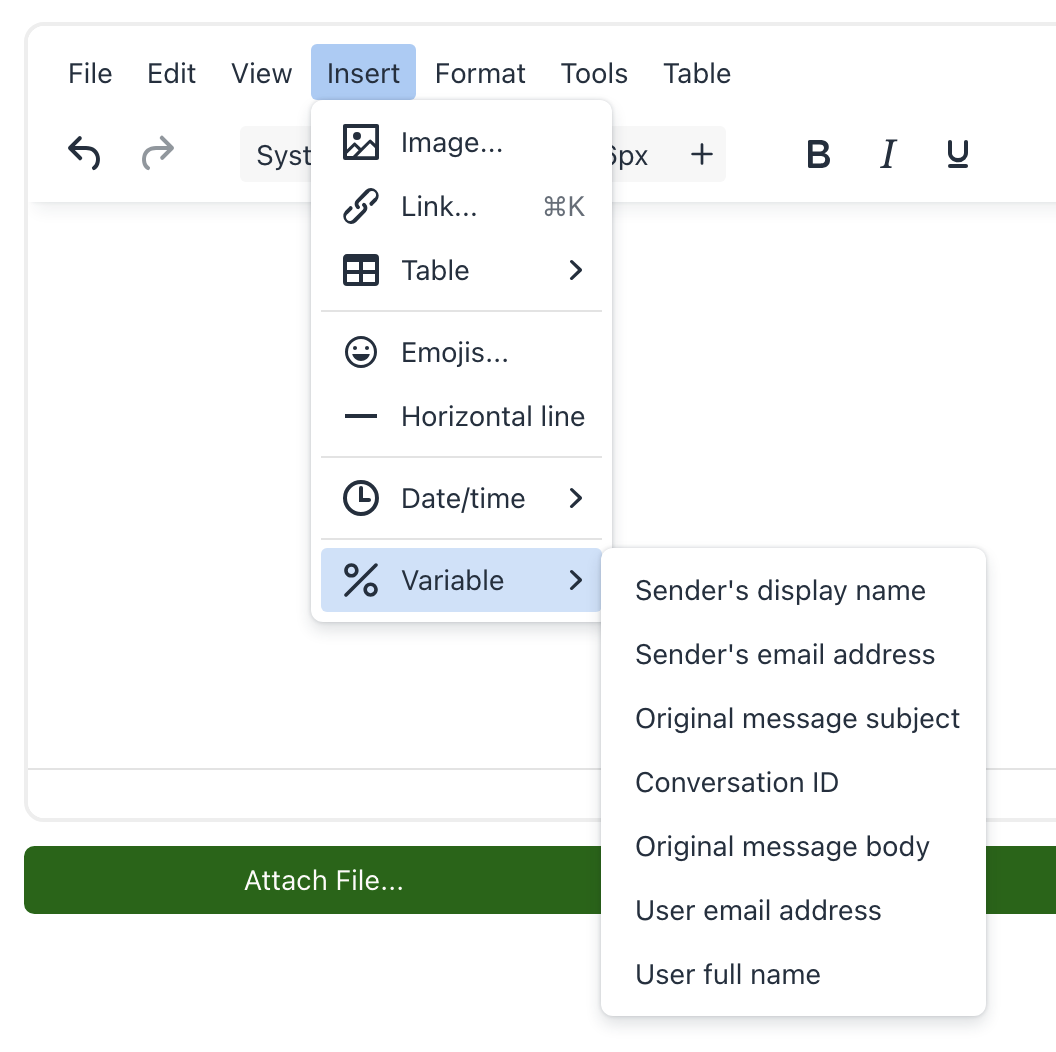
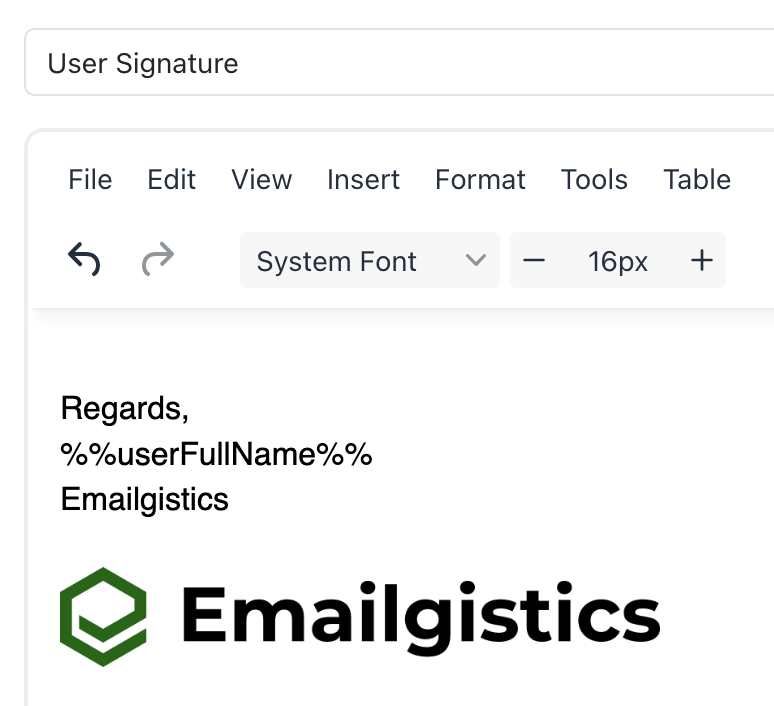
- Pro Template variable improvements. Variables now resolve when inserting a template into a reply in the Outlook add-in (previously only in automated sends). The Admin template and Send Message editors now offer an Insert → Variable menu and %% autocomplete. Two new variables — %%userFullName%% and %%userAddress%% — sign off with the acting agent's details in add-in replies, or the message owner's details in rule-driven actions.
- Pro Bulk schedule event creation. Create one-time schedule events (holidays, vacation, PTO, and more) across multiple dates at once — enter the details once, click up to 25 dates on the calendar (shift-click to select a range), and save them all in one go. Multiple events can also be deleted at once.
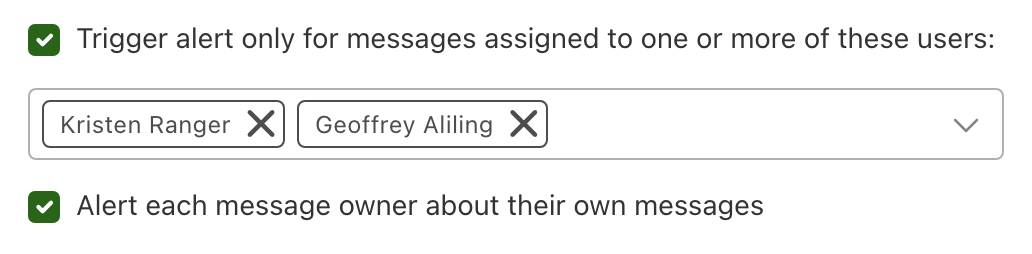
- Unanswered alert improvements. Filter the Unanswered Messages alert to trigger only for messages assigned to specific users, and optionally alert each message owner about their own messages — every user gets a personal alert listing just their messages, while other recipients still receive the full summary.
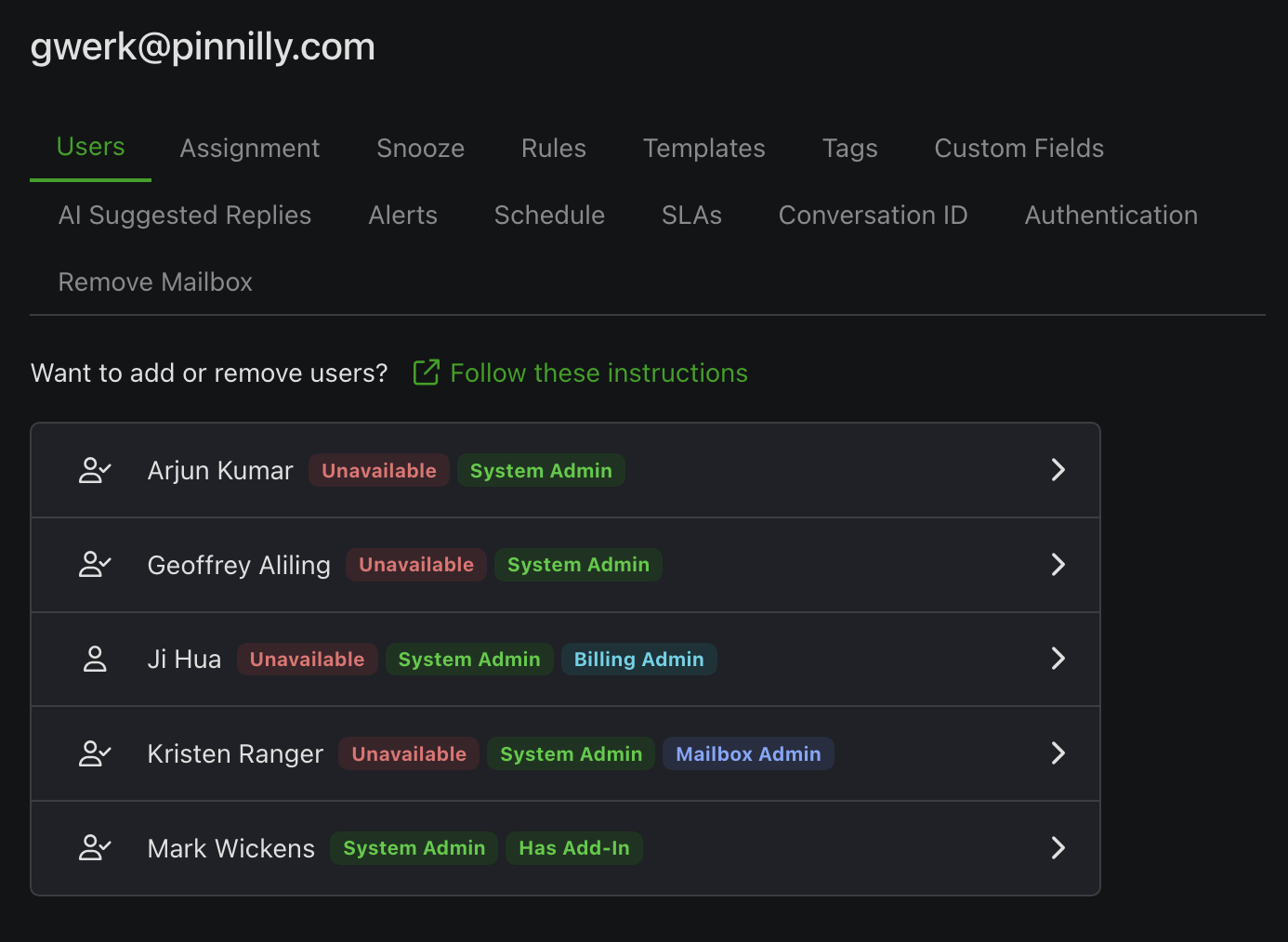
- Dark mode for Admin. The Admin app now has a dark theme that follows your system preference automatically, with a header toggle to switch anytime. Your choice is remembered.
- Enterprise New conversation API endpoints. GET /api/v1/conversations/search for finding conversations and POST /api/v1/conversations/assign for assigning them programmatically.
- Enterprise Webhook Add Note action. Webhook responses can now add notes to a conversation.
- Region selection at signup. New customers can choose their data region (Canada or US) when onboarding from the marketplace.
Enhancements
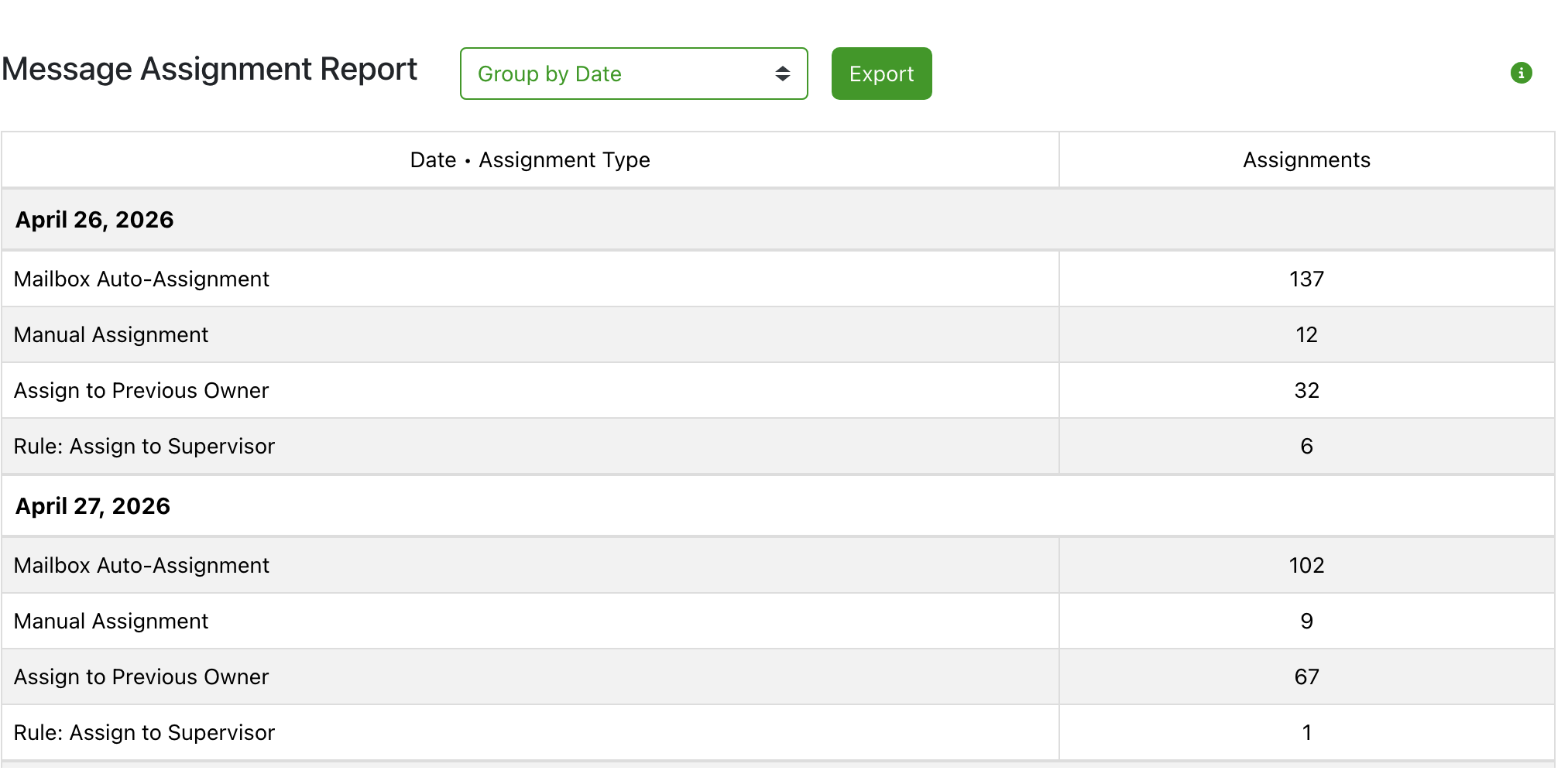
- Pro Message Assignment report drill-down. Counts in the Message Assignment report are now clickable, showing exactly which messages were assigned by each method.
May 2026
Features
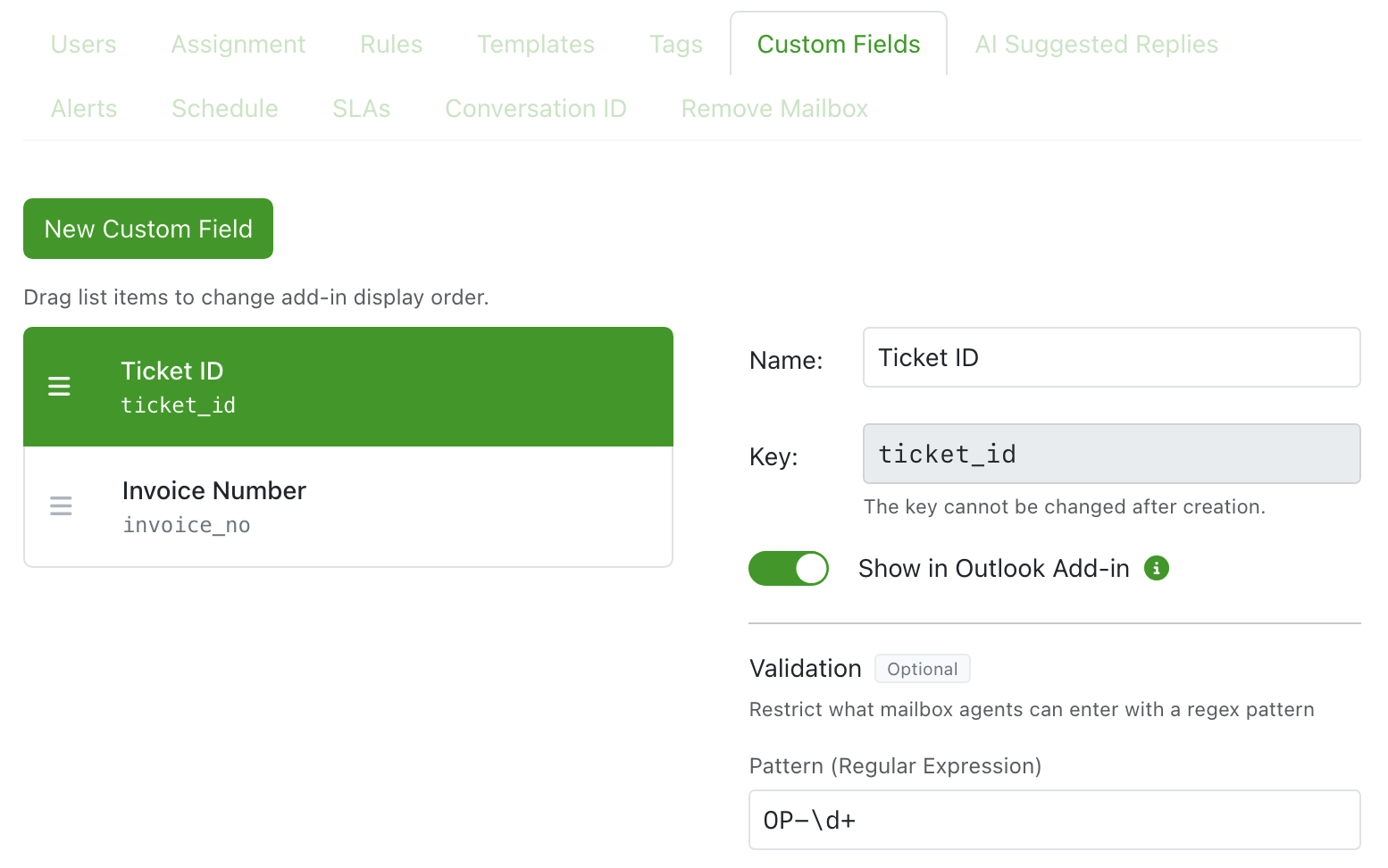
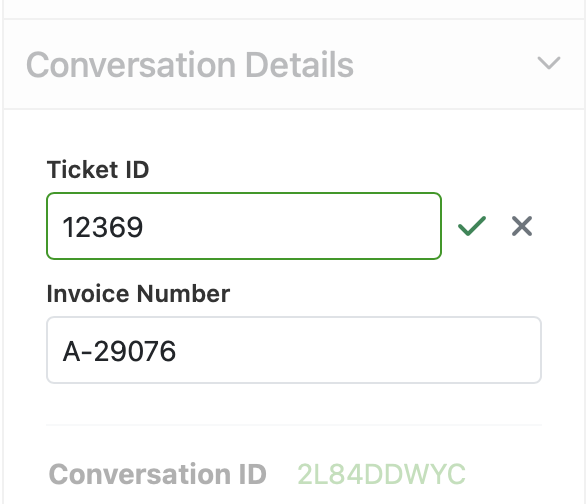
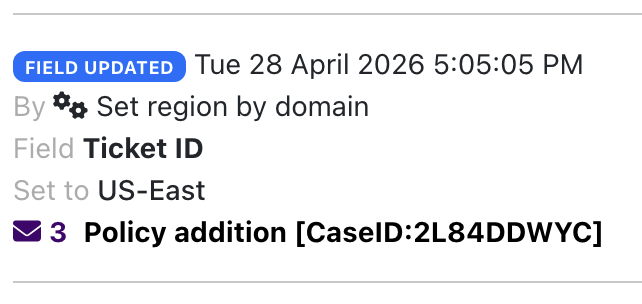
- Enterprise Custom Fields. Associate your own data — customer IDs, order numbers, regions, product lines, or external ticket references — with conversations in Emailgistics. Agents can view and set field values in the Outlook add-in, and fields can be populated automatically via rules or webhooks, including by scanning incoming message bodies for structured data.
- Enterprise Webhook enhancements. The received message webhook now supports Send Message and Forward Message actions. The Assign action reaches full parity with built-in rules, allowing round-robin or load-balanced auto-assignment when assigning across multiple agents.
- Pro Message Assignment report. See how messages are distributed to mailbox agents — broken down by auto-assignment, Assign to Previous Owner, individual rules, and manual assignment — for any time period.
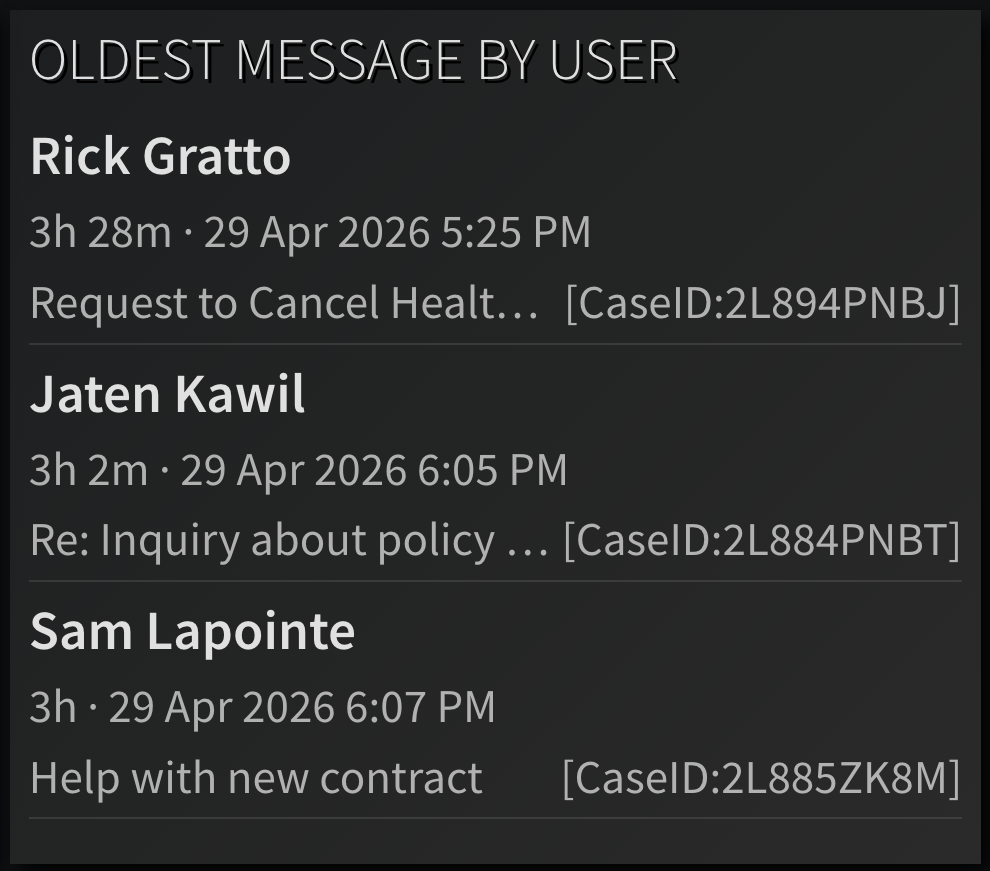
- Pro Oldest Message By User dashboard gauge. Displays the oldest message in each user's folder, including age, received date, and subject, to help teams stay on top of SLAs.
- Enterprise New API endpoints for getting attachment information and content.
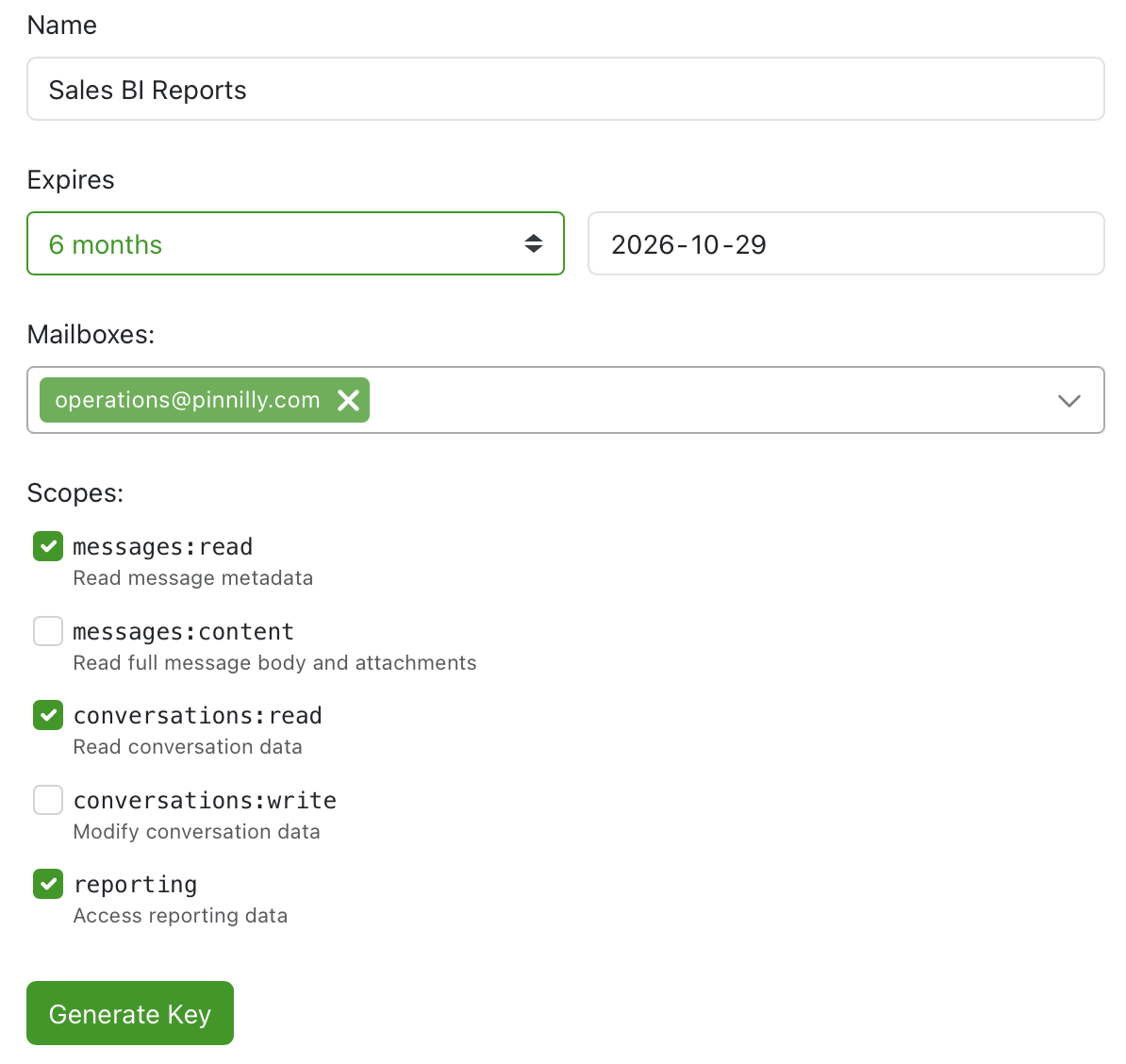
- Enterprise New API key scopes to restrict which functions a key provides access to.
Enhancements
- Pro Drill-down on Received values for Mailbox Performance, Mailbox Closed Performance, and Mailbox Tag Performance reports.
March 2026
Features
- Pro Dashboard sets. Group dashboards into named sets and cycle through them automatically with configurable timers.
- Pro Cost center allocation of users. Create cost centers, assign users, and view billing and allocation history by department.
- Pro Admin audit log. View a log of all admin changes, filterable by mailbox, with export support.
- Pro Option to start a new conversation when the email subject changes.
- Attachment type condition for rules. Filter by predefined file type groups (PDF, Word, Excel, etc.) or custom MIME types and file extensions.
- Rule Assign actions now support both round-robin and load-balanced distribution methods.
Enhancements
- Onboard and user sync PowerShell scripts now support device code authentication for environments where interactive browser login is unavailable.
- Outlook add-in no longer briefly flashes the archive button when loading archived messages.
- Reauthentication notifications now always include both system admins and mailbox admins.
- G2 Review button in Admin for admins to leave product reviews directly from the application.
Bug Fixes
- Enterprise Webhook plain-text message body now preserves line breaks.
- Reports user lists and results are now consistently sorted by display name.
- Pro Editing and saving a recurring schedule no longer falsely triggers the "unsaved changes" alert.
- Pro Unsnoozing a message to the archive folder now correctly removes the user category.
- Pro Updating a tag linked to an Outlook category now correctly updates the corresponding rule parameter.
- Average user close time in reports now shows "0s" instead of blank when users closed messages outside their schedules.
- Enterprise Reporting API now correctly returns reply/close user name and email, including for removed users.
- Pro Tag action now displays the correct tag name in rule info.
- Assignment tab save button now correctly resets after saving.
- Pro Send Message template size validation no longer counts unsaved inline image blob data.