


Emailgistics for Manufacturing & Engineering
Every order and quote owned
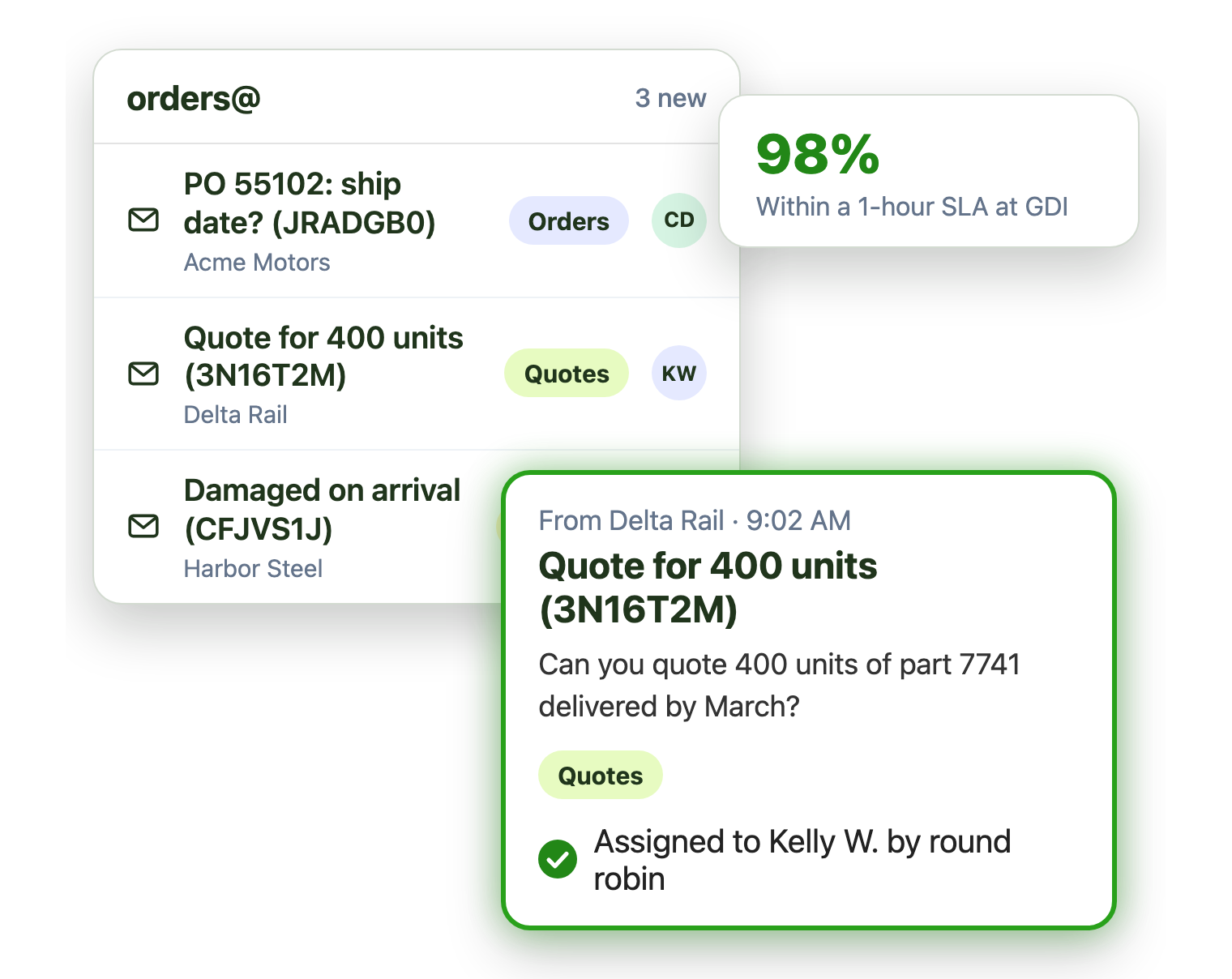
POs, quote requests and returns land in shared mailboxes. Emailgistics assigns each one to an owner automatically, covers reps who are out and reports on reply times, inside the Outlook your team already uses.
-
10,000+
people use Emailgistics
-
400+
organizations rely on it
-
4.7/5
rating on G2
-
< 1 hour
to go live, no migration
How do manufacturers manage shared mailboxes?
Quotes wait while someone sorts orders@, customers chase reps who are out, and no one knows how fast customers get answers. Emailgistics assigns every order, quote and return automatically, covers reps who are away and reports on reply times. AI summarizes long threads and drafts answers to spec questions in seconds, all inside Outlook.
-
Orders
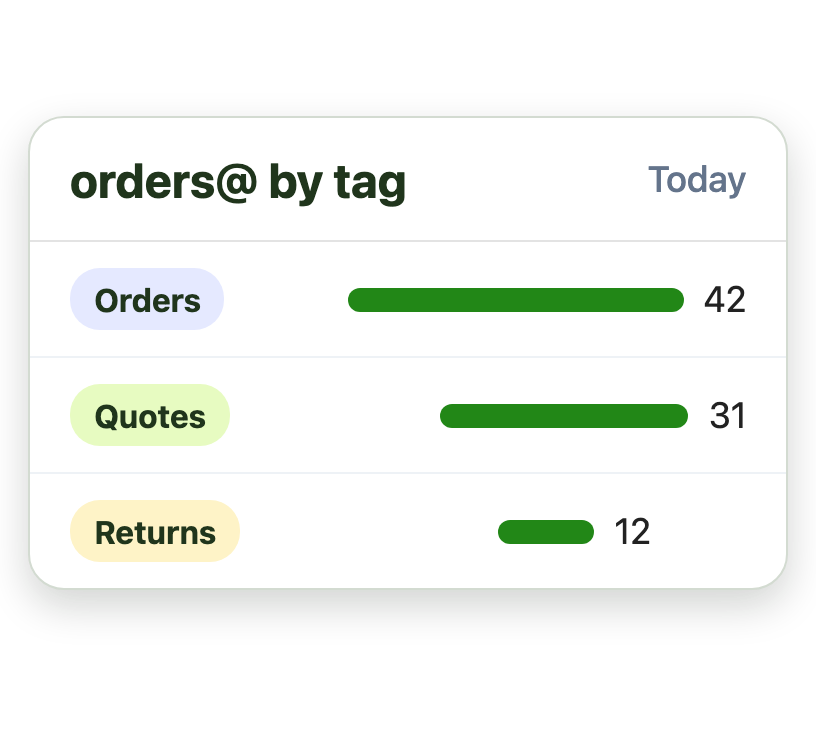
Orders and quotes sort themselves
-
Accounts
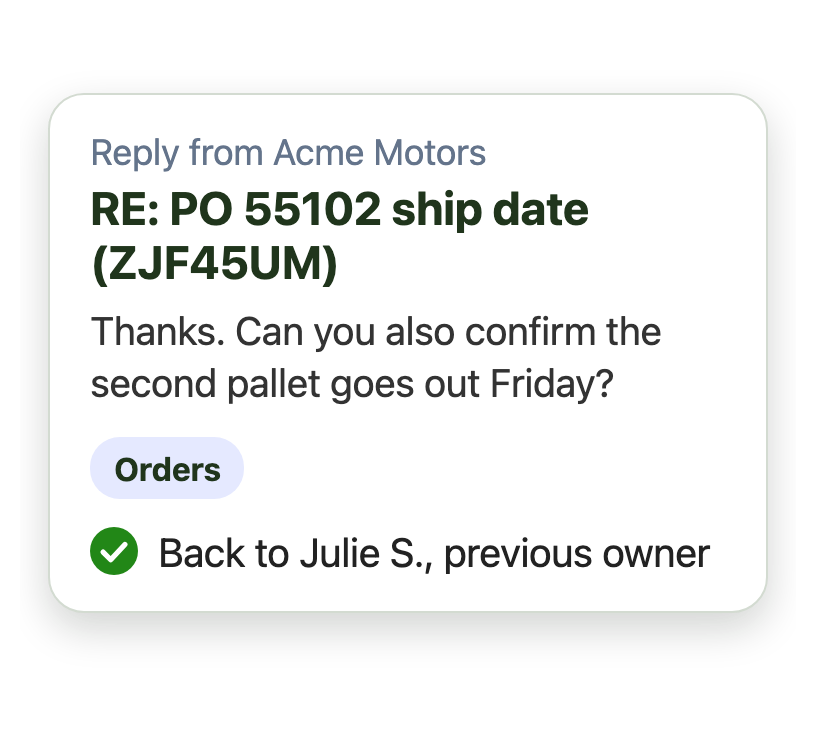
Customer replies return to their rep
-
Catch up
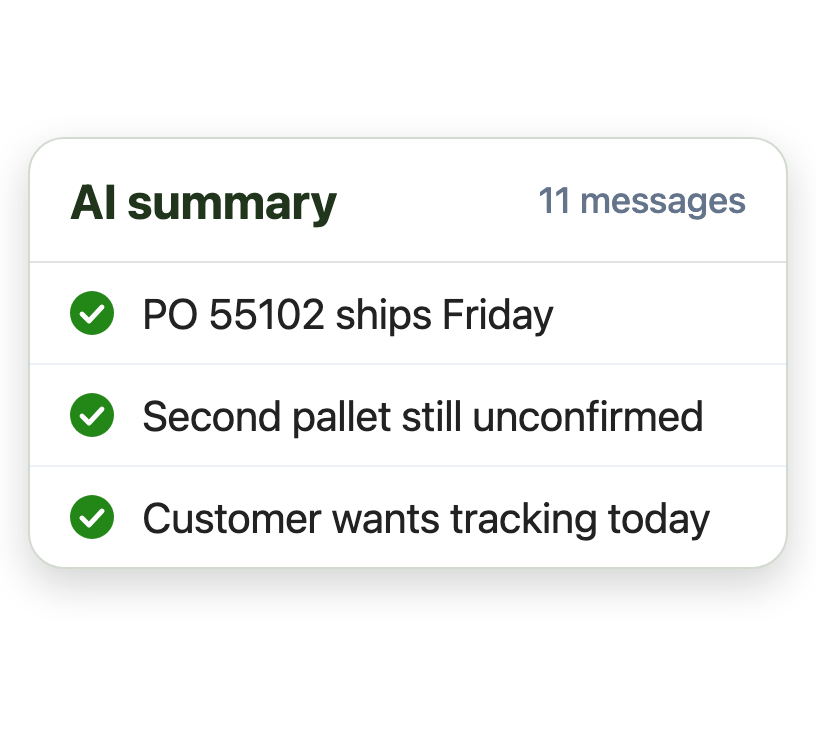
AI summaries catch reps up fast
Stop hand-sorting the orders inbox
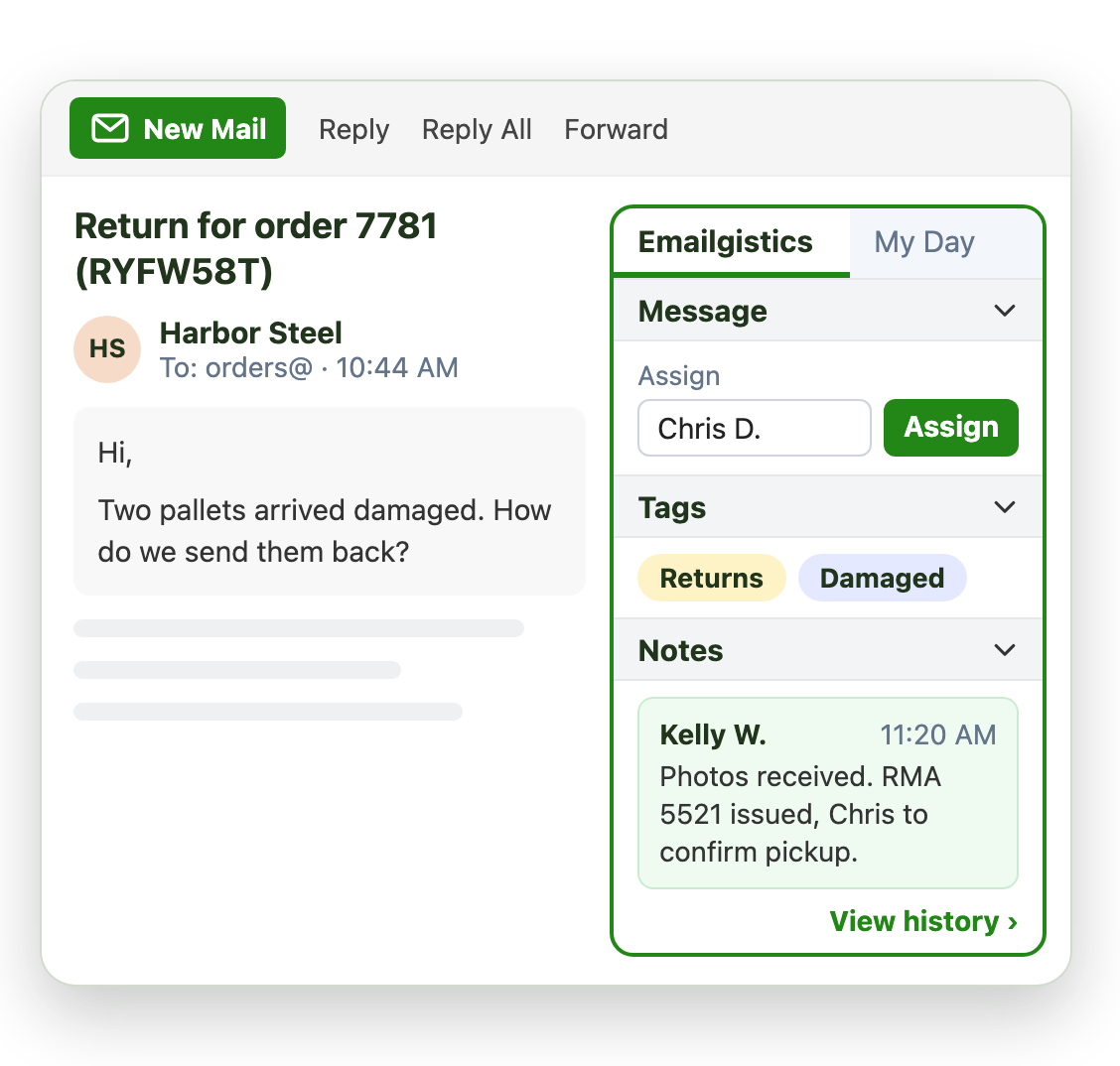
Rules read each email as it arrives and assign it automatically, so no one spends the morning triaging:
- Match quotes, POs and returns by subject or sender
- Assign to inside sales by round robin or load balancing
- Tag each email for reports
Cover every account when a rep is out
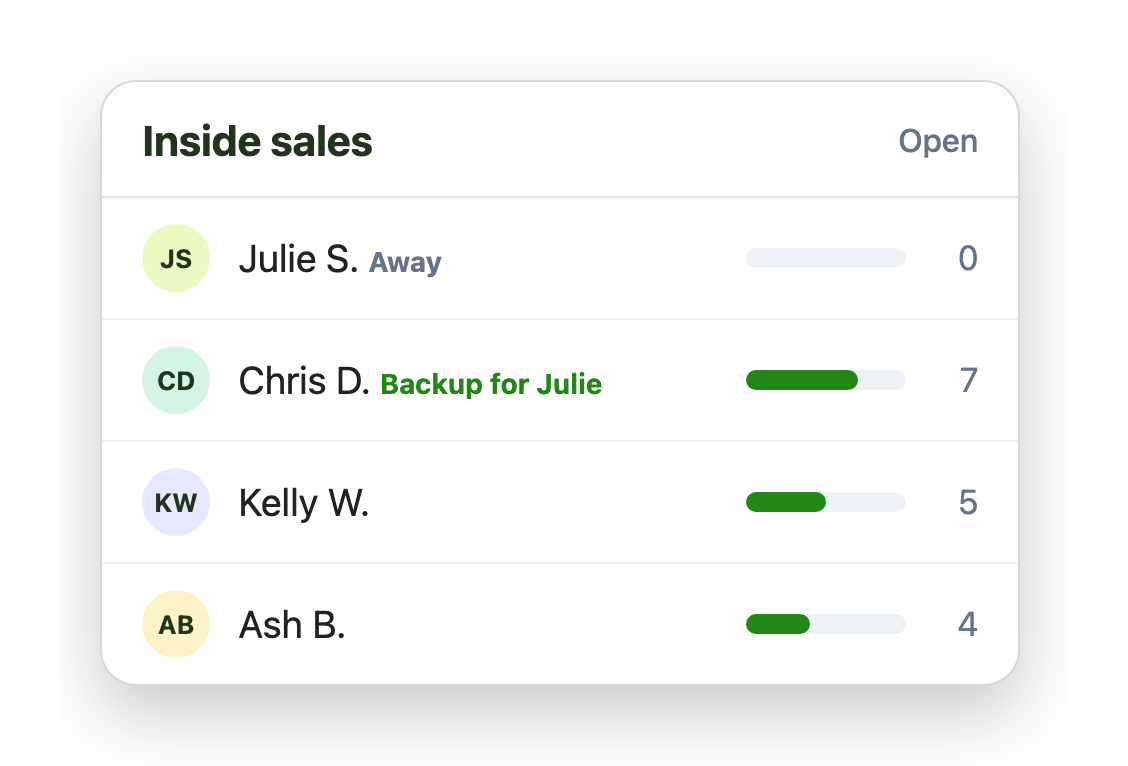
Email goes unanswered when key people are away. Primary and backup assignees fix that:
- A named backup for each rep
- Email only to people who are available
- Follow-ups go back to the account’s rep
Measure email like you measure the plant
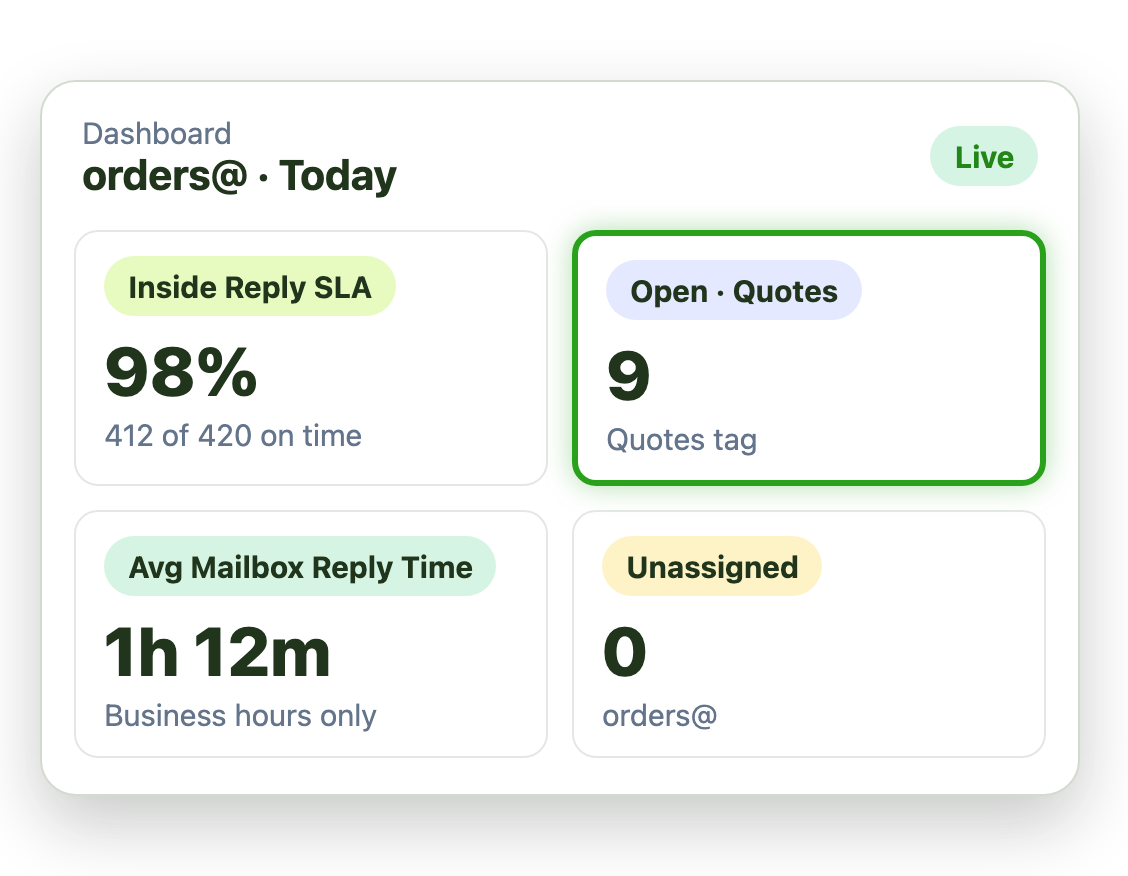
Your ERP tracks orders, but not how fast customers get answers. Emailgistics reports fill that gap:
- Reply times for each rep and mailbox
- Volume by tag, such as quotes or returns
- A complete record of every action taken on an email
Live in under an hour, with no migration
- 1 Connect your mailboxes
- 2 IT grants consent
- 3 Deploy the Outlook add-in
Plans from $11 per user per month, billed annually. Try it free for 14 days, no credit card.
Manufacturers that run on Emailgistics
Real results from manufacturing and distribution customers, in their own words.
-

1h 20m
average reply time, when it used to take a day or more
Read the case study“By using Emailgistics, we have been able to set targets for response times and have proof that we are meeting those goals.”
-

15%
fewer phone calls, with 25% more emails handled
Read the case study“Our customers noticed how much Emailgistics improved our quality of service through email.”
-

100%
visibility into the status of every shared mailbox email
Rules, primary and backup assignees and round robin turned an unreliable shared mailbox into one where no customer email is missed.
Read the case study
More case studies: Helwig Carbon GDI
 Rated 4.7/5 on G2
Emailgistics vs. a shared mailbox alone or Outlook rules
A shared mailbox alone leaves ownership unclear. Outlook rules move copies and need switching by hand. Emailgistics gives each email one available owner.
| Feature |  Inside Outlook | Outlook on its own | Outlook rules |
|---|---|---|---|
| One owner per email | Anyone can reply | Moves copies | |
| Round robin and load balancing | |||
| Backups when reps are away | Turned on by hand | ||
| Reply time reports | |||
| Works in Outlook |
Features manufacturers use most
Everything your team needs to answer every order and quote quickly.

Automatic assignment
Assign quotes, POs, returns and technical questions to a rep on arrival.

Primary and backup assignees
Every account stays covered when a rep is out sick or off shift.

Previous-owner routing
Customer replies go back to the rep who handled them.

Tags
Label email by product line, plant or request type for reports.

Reply time reports
Reply and close times by rep, mailbox and tag, for every customer email.

AI summaries and replies
Draft replies from spec sheets and policies in your AI knowledge base.
Inside sales, customer service and order desks work from orders@ and sales@ shared mailboxes in Outlook. Emailgistics assigns every email to one owner automatically, covers reps who are away and reports on reply times.
Tsubaki’s inside sales team took 15% fewer phone calls and handled 25% more email. McPherson Oil cut its average reply time from a day or more to 1 hour 20 minutes. Helwig Carbon saves over 6 hours of triage a day.
Yes. Rules match email by sender, subject or keyword and assign it automatically. Helwig Carbon no longer needs a dedicated person to distribute email.
A named backup takes new email for anyone who is away, so customers are never left waiting. McNaughton-McKay uses primary and backup assignees so no customer email is missed.
Yes. Previous-owner routing sends a follow-up to the person who handled the email before, so the customer keeps the same contact.
Outlook rules move or copy email, and someone has to turn them on and off when people are away. Emailgistics assigns each email to one available owner and tracks it to a reply.
Yes. Emailgistics is SOC 2 Type II certified and HIPAA and GDPR compliant. It works on the shared mailboxes in your Microsoft 365 tenant, so email stays in Exchange Online, and access is limited to the mailboxes you onboard.
Most teams are live in under an hour, with no migration. McPherson Oil’s users were trained in under half an hour. Book a demo, then try Emailgistics free for 14 days. No credit card required.
Last updated