


Emailgistics for Insurance & Finance
Every claim and request owned
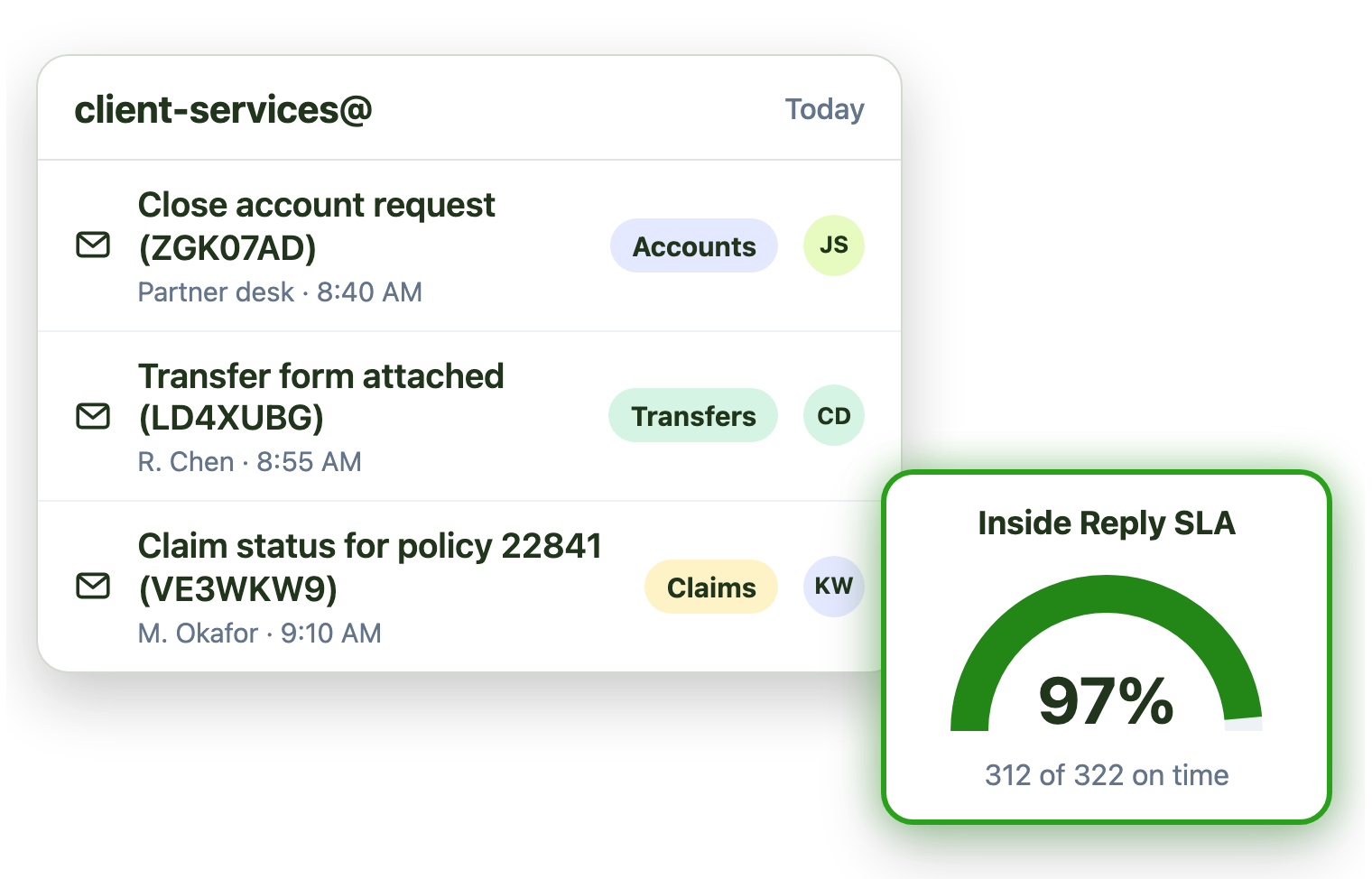
Claims, policy changes and client requests land in shared mailboxes. Emailgistics assigns each one to an owner automatically, holds urgent claims to tighter SLAs and keeps a record of every action, inside Outlook.
-
10,000+
people use Emailgistics
-
400+
organizations rely on it
-
4.7/5
rating on G2
-
< 1 hour
to go live, no migration
How do insurance and finance teams manage shared mailboxes?
Claims and policy requests bounce between people, urgent claims sit behind routine email, and auditors want to know who did what. Emailgistics assigns each request automatically, holds urgent claims to tighter SLAs, reports on each handler’s reply times and keeps a full history, all inside your Microsoft 365 tenant.
-
Requests
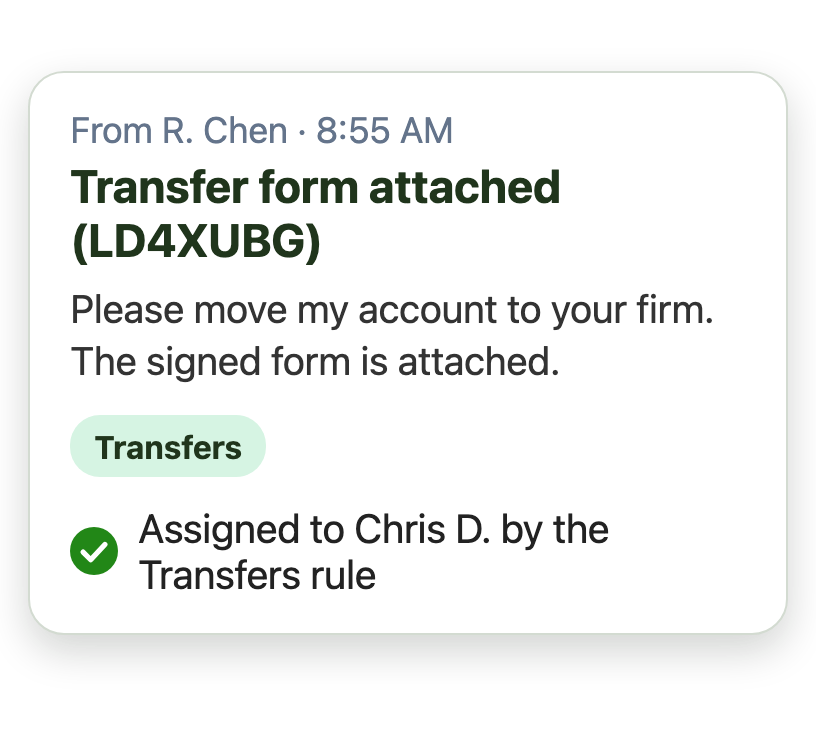
Every request goes to one person automatically
-
Claims
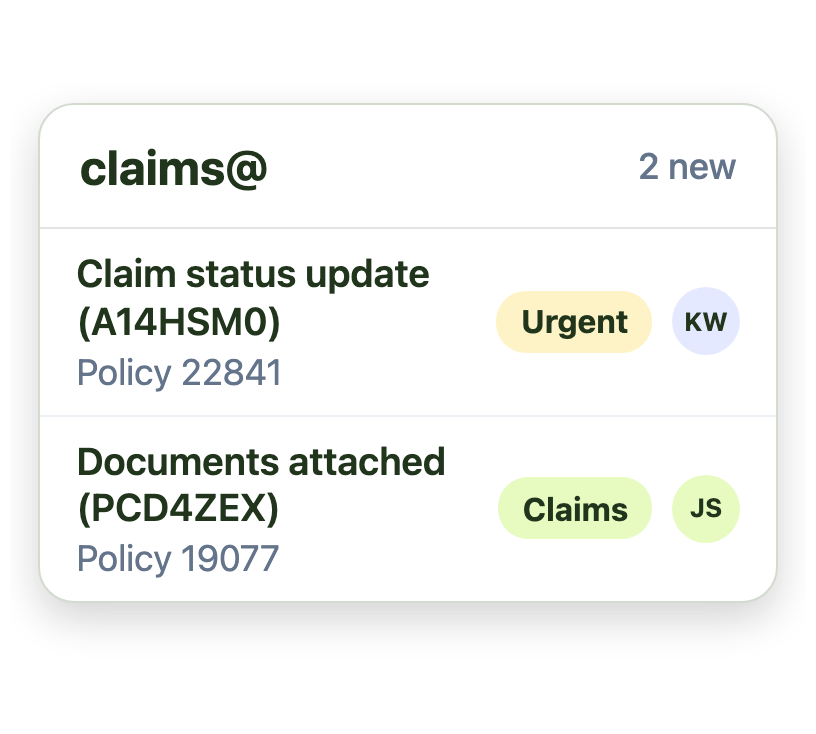
Urgent claims are flagged so they’re answered first
-
Oversight
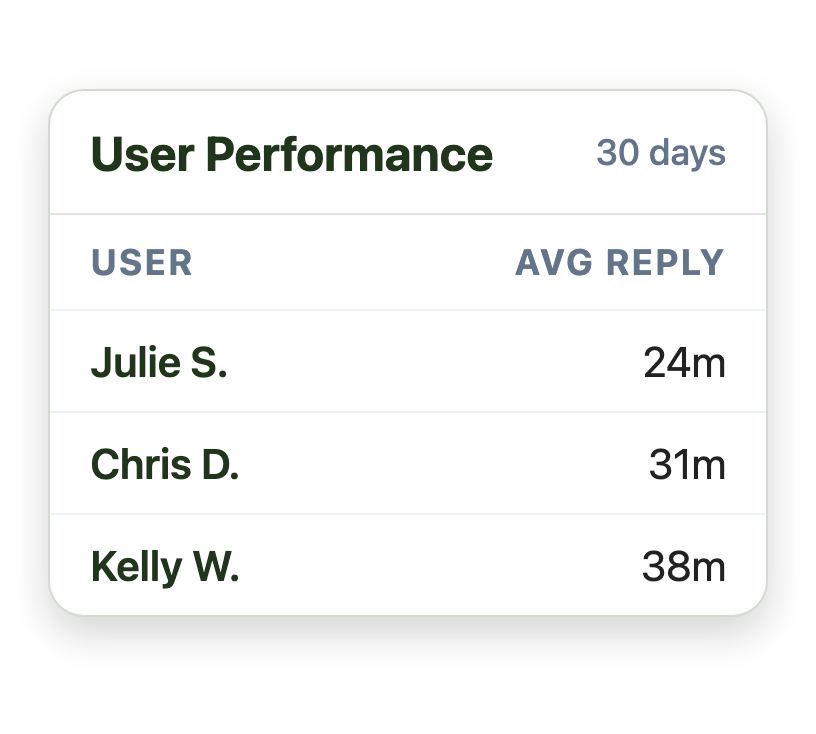
Reports show how each person on the team is doing
Cut the manual steps out of every request
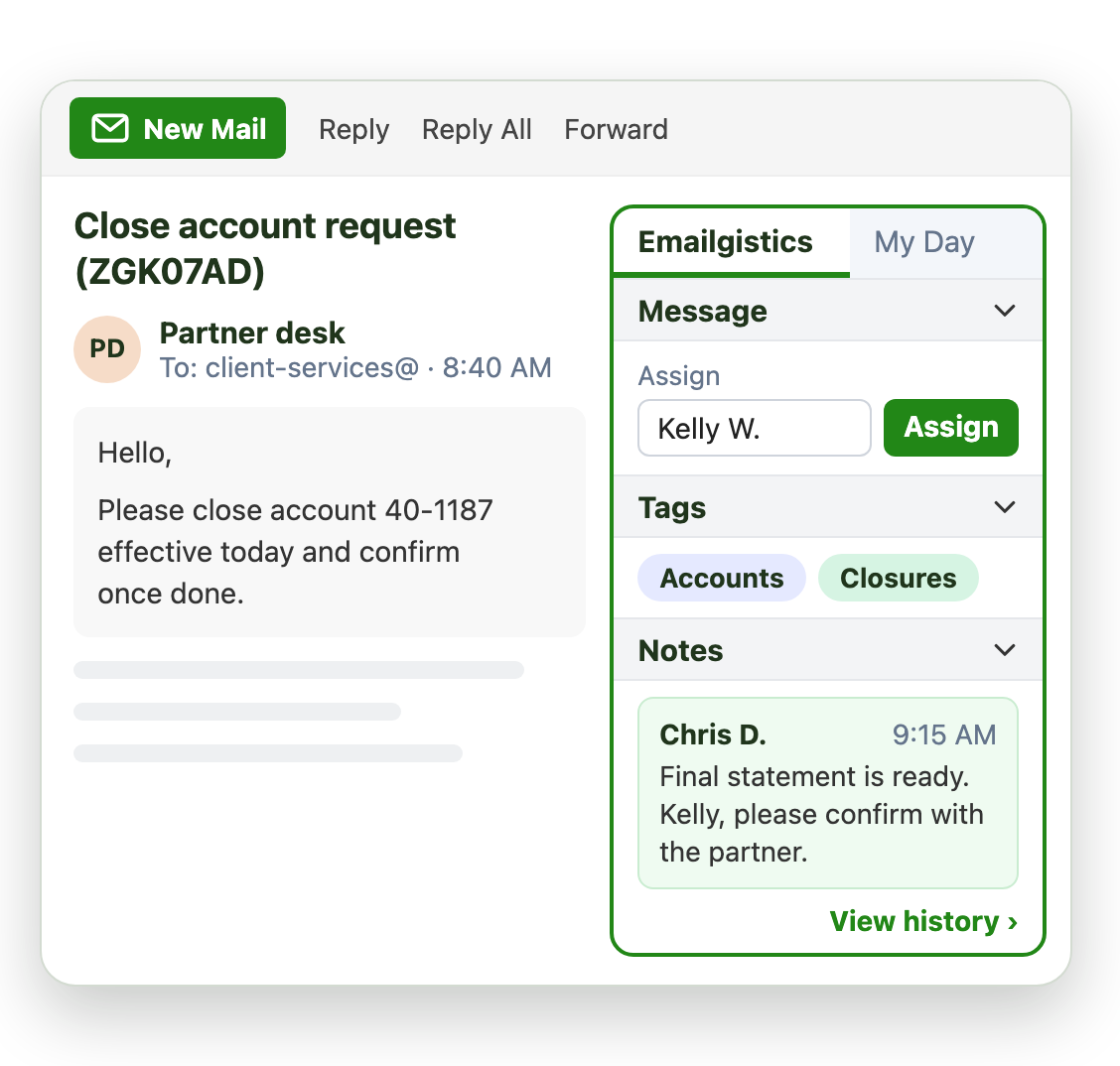
Policy changes, cancellations and account requests often bounce between people. Emailgistics assigns each one automatically:
- Assign it to a person on the team that owns it
- Share work fairly by round robin or load balancing
- Tag it for reporting and alerts
Give urgent claims a tighter deadline
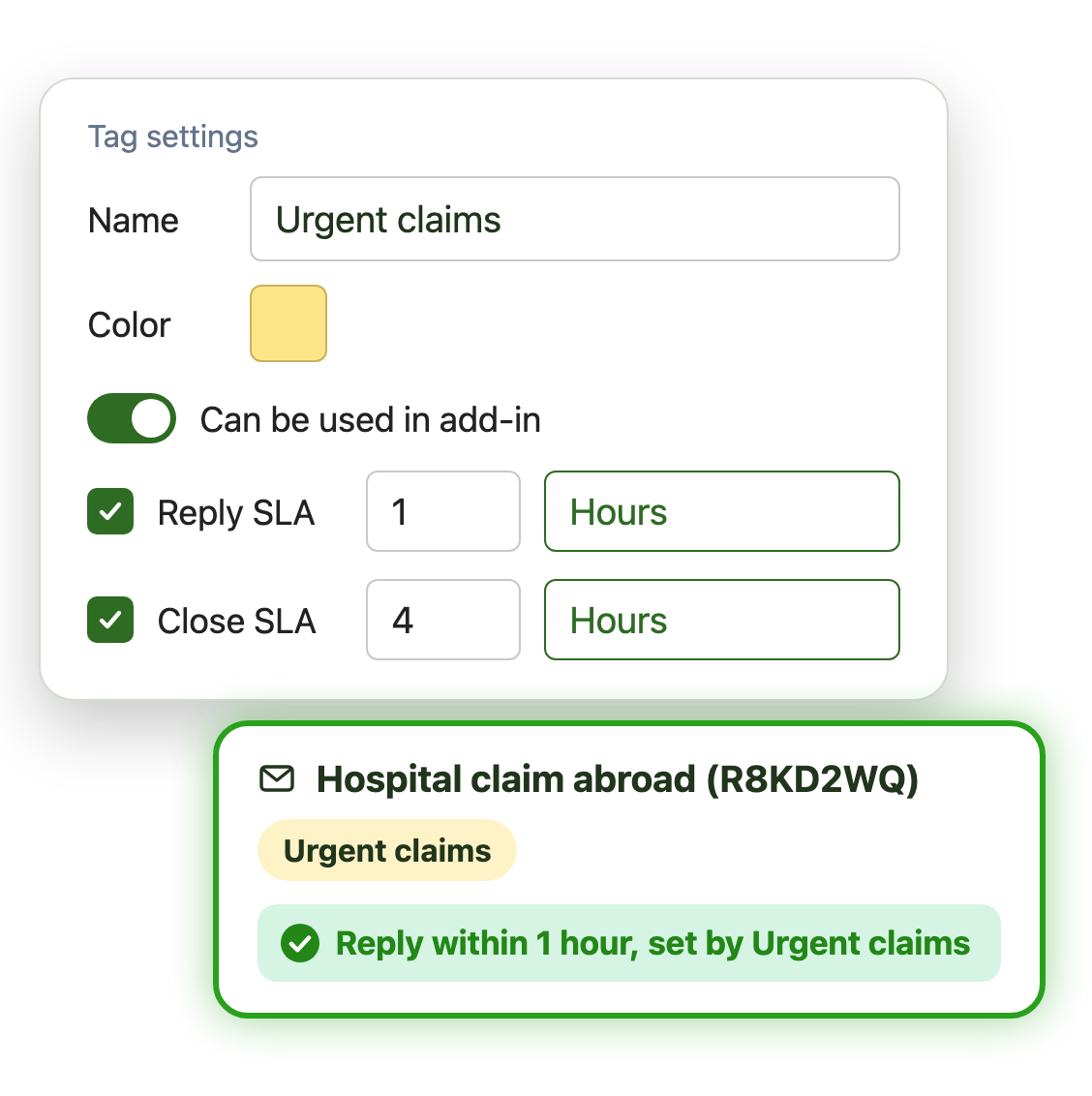
Not every email can wait the same time. SLAs by tag hold priority work to its own, tighter target:
- Tighter reply and close SLAs for urgent claims
- Longer targets for routine policy email
- Alerts sent to the team lead by email
Keep a record of every client conversation
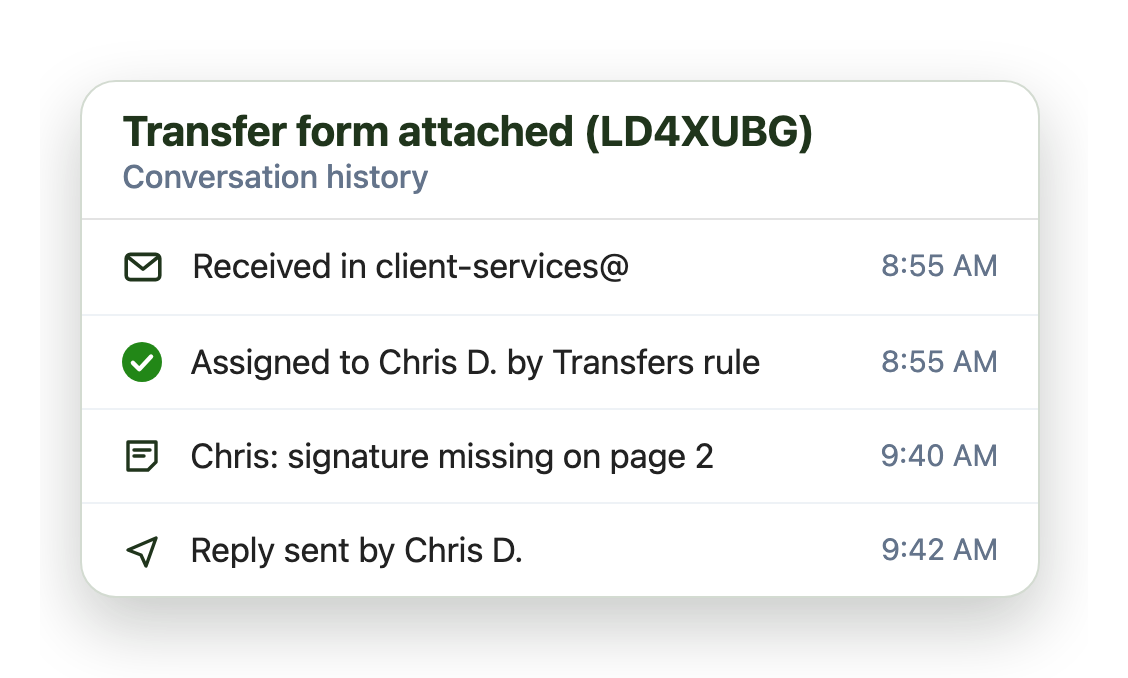
When a regulator, auditor or policyholder asks what happened, conversation history shows what was done on each email, and when:
- Every assignment, note and reply, with times
- Internal notes that policyholders never see
- An admin audit log of configuration changes
Live in under an hour, with no migration
- 1 Connect your mailboxes
- 2 IT grants consent
- 3 Deploy the Outlook add-in
Plans from $11 per user per month, billed annually. Try it free for 14 days, no credit card.
Insurance and finance teams that run on Emailgistics
Real results from insurance and finance customers, in their own words.
-

125+
users across 8+ shared mailboxes in two countries
Rules and automatic assignment replaced administrators assigning sales, product and claims email by hand, and lost or deleted emails stopped.
Read the case study -

25
customer service advisors handling email in 22 languages
Read the case study“As someone who manages a team of 25 people, it’s become much easier for me to know and see everything and, [as] a result, deal with situations more effectively.”
-
30+
shared mailboxes for client requests across three departments
Read the case study“Emailgistics user performance reports allow us to connect with the team and see how everyone is performing.”
 Rated 4.7/5 on G2
Emailgistics vs. a shared mailbox alone or a CRM
A shared mailbox alone has no owners or alerts. A CRM service module has them, but moves client email into a separate app. Emailgistics adds them inside Outlook.
| Feature |  Inside Outlook | Outlook on its own | CRM service module |
|---|---|---|---|
| Work stays in Outlook | Separate app | ||
| One owner per email | Anyone can reply | ||
| Rules that route and tag | |||
| SLAs and alerts by tag | Varies by setup | ||
| Live in under an hour | Implementation project | ||
| Email stays in Microsoft 365 | Copied to another system |
Features insurance and finance teams use most
Everything your team needs to answer claims and clients quickly, on record.

Automatic assignment
Assign and tag claims and policy requests the moment they arrive.

SLAs by tag
Tighter reply and close SLAs for urgent claims or high-value clients.

Conversation history
A timeline of every assignment, note and reply on each email.

User Performance reports
Reply and close times for each handler, for coaching and reviews.

Admin audit log
A record of every configuration change and admin action.

AI summaries and replies
Draft replies from your approved AI knowledge base.
Claims, policy service and client teams work from Outlook shared mailboxes. Emailgistics assigns every email to one owner automatically, alerts leads when a deadline is missed and records every action, without leaving Outlook.
Yes. Aviso Wealth uses a rule that routes close-account email to the account maintenance team, sends the partner an acknowledgement and archives the original, in one step.
Yes. Any tag can carry its own reply and close SLA, so urgent claims are held to a tighter target than routine policy email, and tag alerts tell the team lead when one is missed. Acquis uses tag alerts so claim requests are actioned faster. SLAs by tag are included in Professional and Enterprise.
Yes. Conversation history shows every assignment, note and reply on an email with times, and the admin audit log records configuration changes.
Yes. Emailgistics AI drafts replies from your approved policies and FAQs in seconds, shows the source it used, and a person reviews every reply before it is sent. AI summaries catch a handler up on a long claim thread. Emailgistics AI is included in Professional and Enterprise.
No. Emailgistics is SOC 2 Type II certified and HIPAA and GDPR compliant. Emailgistics works on the shared mailboxes in your tenant, and email stays in Exchange Online. Access is limited to the mailboxes you onboard.
Not for shared mailbox work. A CRM service module moves email into a separate app and usually needs an implementation project. Emailgistics adds ownership, rules and reporting inside Outlook.
Most teams are live in under an hour, with no migration. Book a demo, then try Emailgistics free for 14 days on your own shared mailboxes. No credit card required.
Last updated