Last updated May 6, 2026
Emailgistics vs Power Automate
Outlook-native shared inbox management without building or maintaining flows.
Get a Demo


Trusted by global teams across banking, healthcare, logistics, and beyond

















Power Automate creates workflows. Emailgistics manages inboxes.
Power Automate requires teams to design and maintain custom flows for email. Emailgistics adds auto-assignment, SLAs, analytics, reporting, and AI-enhanced replies to Outlook shared mailboxes, enabling consistent workflows without the effort or fragility of custom automation.
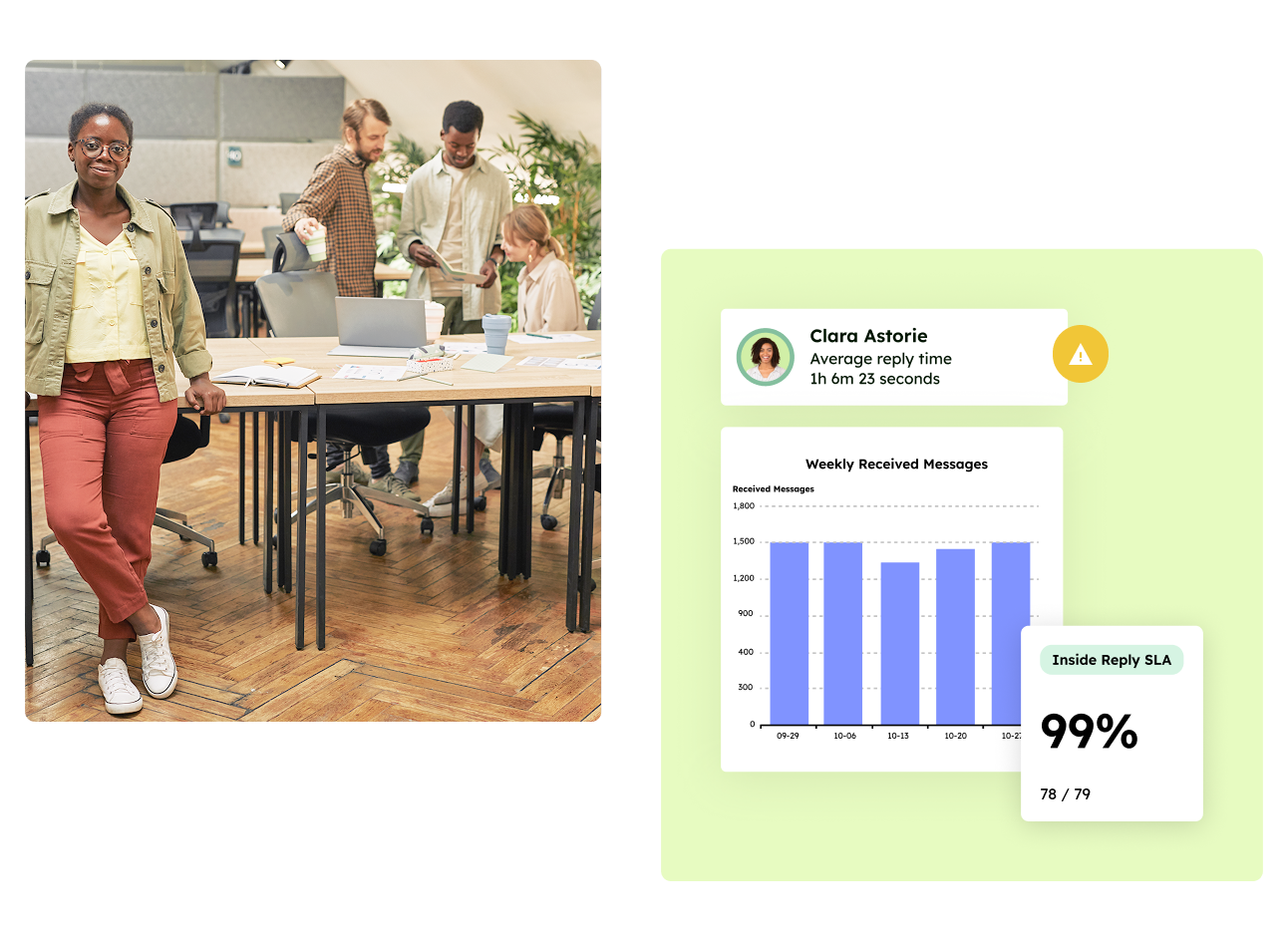
Work in Outlook, not custom flows
Managed inbox workflows vs do-it-yourself automation
| Feature |  | Power Automate |
|---|---|---|
| Primary use case | Shared inbox management | General automation |
| Workflows are | Inside Outlook | Trigger-based |
| Automated assignment | Built-in | Custom logic |
| SLA tracking | Included | Not native |
| AI-assisted replies | Included | Not available |
| Analytics | Mailbox- and user-level | Manual assembly |
| Reporting | Inbox reporting | Not native |
| Ongoing maintenance | None | Required |
Why teams choose Emailgistics over Power Automate
- No flows to design, debug, or maintain
- Purpose-built for shared mailboxes
- SLAs and reporting included out of the box
- AI-accelerated replies inside Outlook
- Predictable behavior at scale
- Deploy immediately—no technical setup required
Emailgistics is the better choice when teams want reliable shared mailbox workflows without building and maintaining automation logic. Power Automate works well for individual tasks, but managing inbox ownership, response times, and SLAs typically requires multiple flows and ongoing maintenance. Emailgistics delivers these capabilities as a managed solution.
Not effectively. Power Automate can trigger actions, but it does not provide native ownership, SLA enforcement, or mailbox-level reporting. Emailgistics is designed specifically to manage shared inbox performance rather than automate isolated steps.
Emailgistics provides reporting on response times, workload distribution, and SLA performance directly within shared mailboxes. Power Automate requires stitching together logs, exports, or external tools to approximate similar insights, which most teams find harder to sustain.
Flow-based solutions often become fragile as inbox volume and complexity grow. Emailgistics removes that risk by handling assignment, SLAs, and reporting as part of the platform, allowing teams to focus on responding rather than maintaining automation.
Compare Emailgistics vs
Inbox workflows, without the work
Bring structure and speed to shared mailboxes without designing or maintaining automation.